How-To Library
Plain-English guides for using MyScrapBook Studio — from your first page to selling kits on the marketplace.
Getting Started
Set up your account and learn the editor.
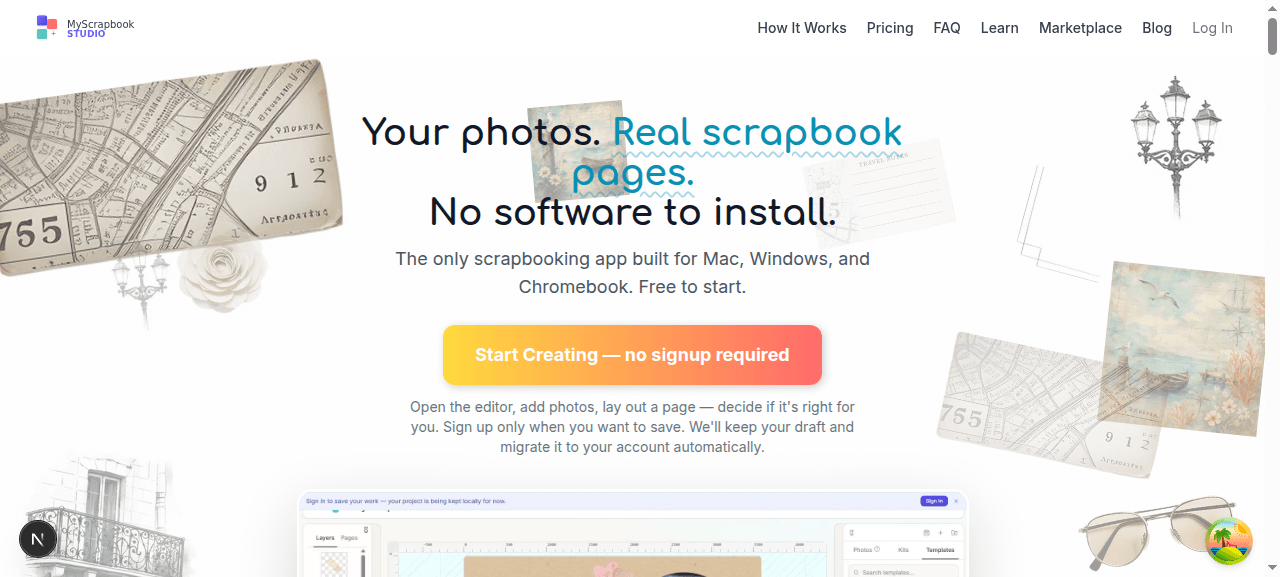
Getting Started
Try the editor without signing up, create an account, and understand what gets saved where.
2 min read
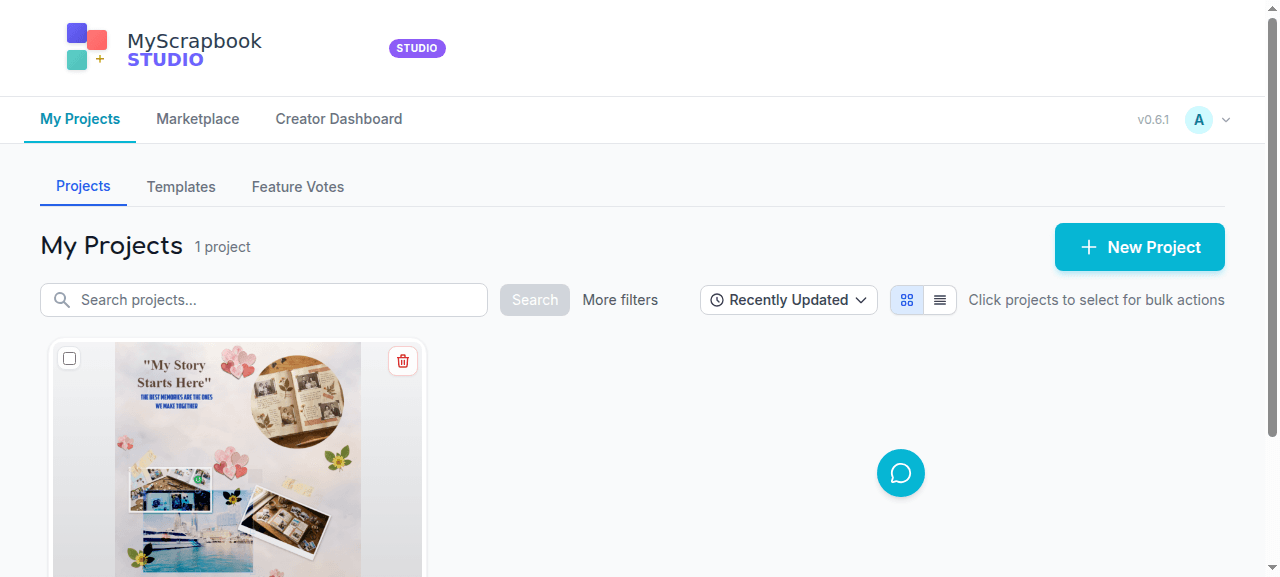
Your Dashboard
Find your projects, create new ones, and manage drafts from the dashboard.
2 min read
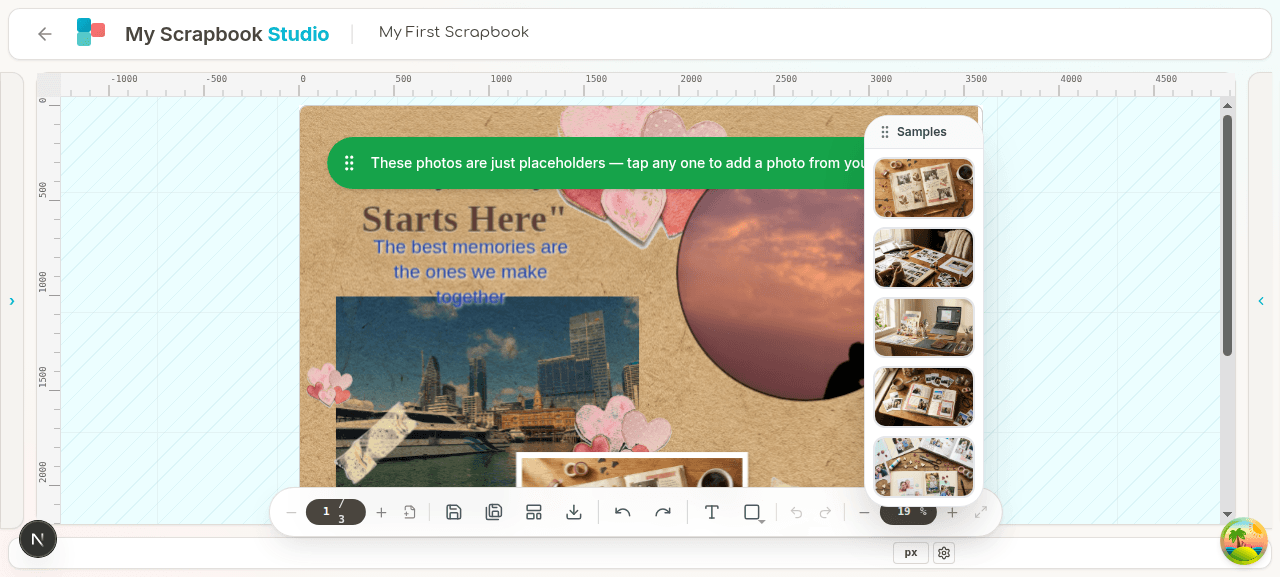
Editor Basics
Tour the canvas, toolbars, and panels so the rest of the guides make sense.
2 min read
Building Pages
Photos, text, masks, mats, kits, and multi-page projects.
Adding Photos
Two ways to bring photos onto a page, plus tagging and organization.
3 min read
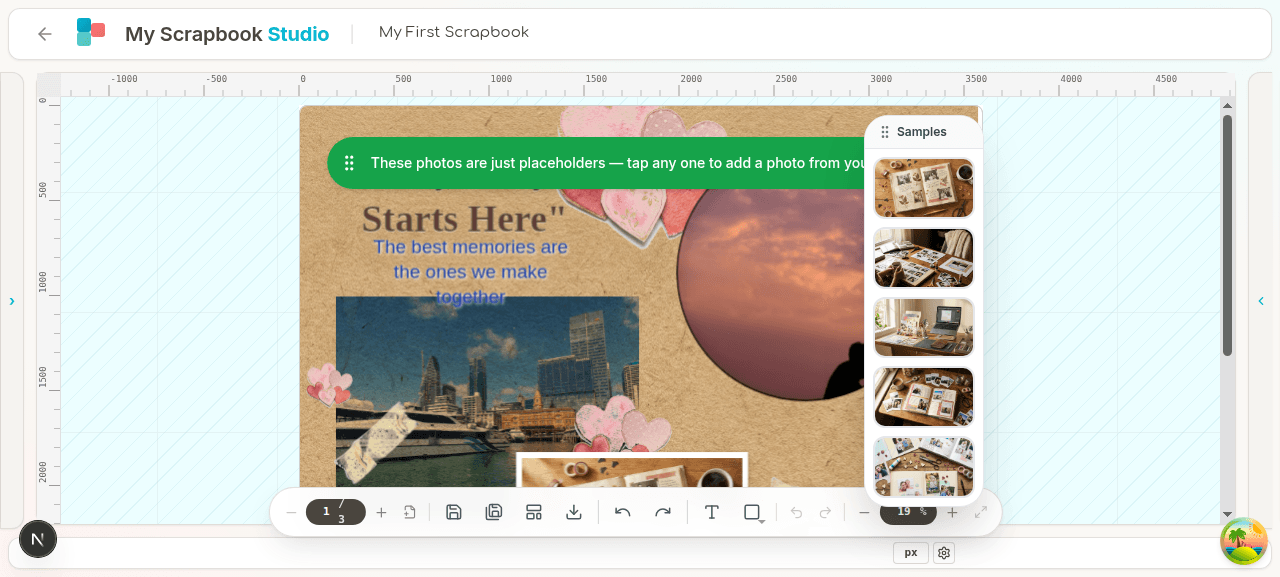
Text and Shapes
Add captions, titles, and decorative shapes with the text and shapes tools.
2 min read
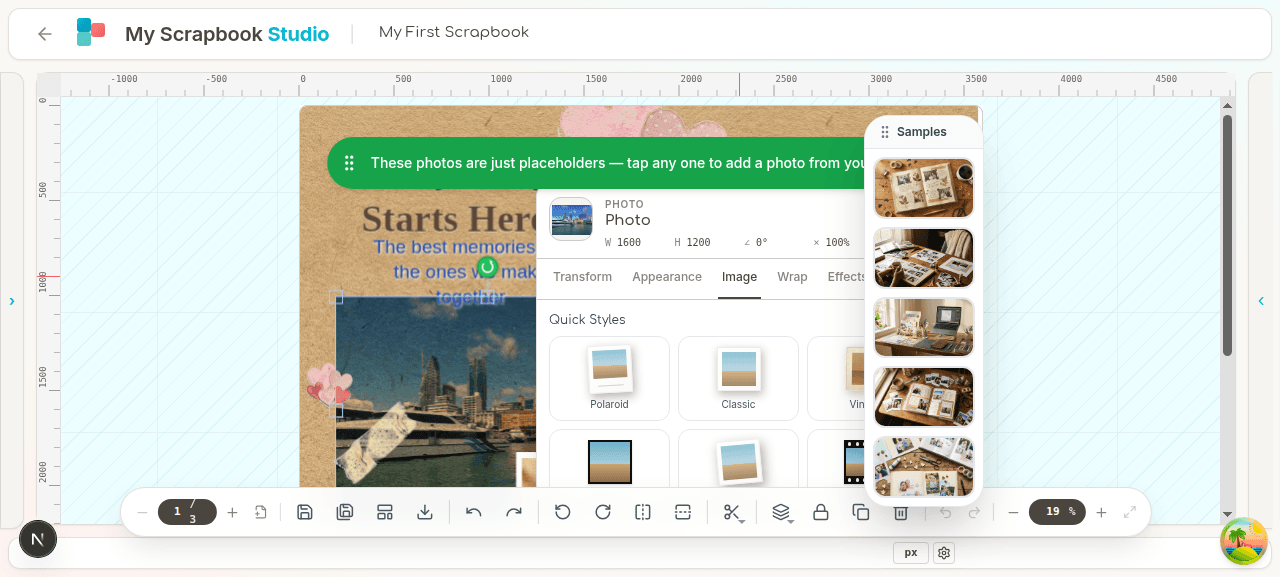
Masks and Mats
The features that make MyScrapbook Studio different — non-destructive photo crops and layered mat backings.
4 min read
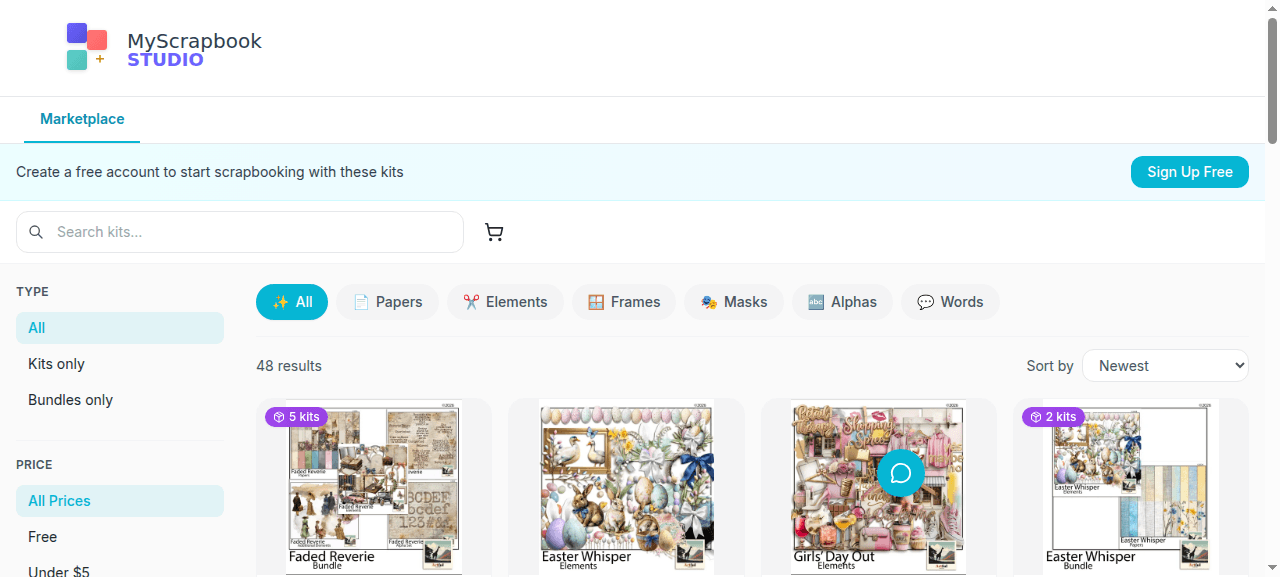
Kits and Templates
Use themed paper packs, elements, and pre-built page layouts to finish a page in minutes.
2 min read
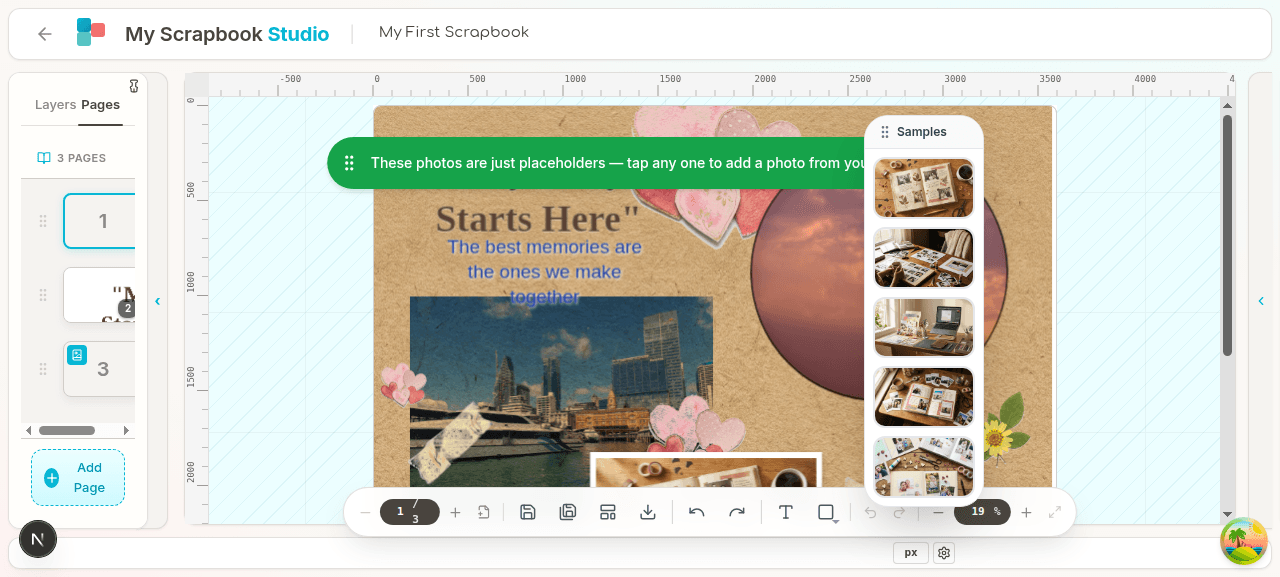
Pages and Spreads
Build multi-page projects with consistent design across spreads.
2 min read
Export & Account
Save, print, manage your plan, and sell kits.
FAQ
Quick answers to common questions.