Yearbook Maker: 6 Free Online Tools Compared for 2026

The first yearbook meeting of the year always goes the same way. Six people, one laptop, and forty minutes spent arguing about software before anyone has looked at a single photo.
Here is the short answer. A yearbook maker is an online page-layout tool with school-shaped templates, and the six worth your time in 2026 are Canva, Flipsnack, FlipHTML5, Blurb, Mixbook and MyScrapBook Studio. Every one of them has a free tier that covers design, so the only thing you actually pay for is printing. Pick based on how your group works together, not on the template count — that is the decision that costs you a term if you get it wrong.
TL;DR
- A yearbook maker handles layout and design; printing is a separate purchase from a separate company.
- Canva has the deepest template library; Flipsnack and FlipHTML5 are built for flipbooks you share by link rather than print.
- Blurb and Mixbook are printers first, so their editors exist to sell you a print run.
- Design is free everywhere in 2026. Printed copies run roughly $30–$120 each depending on page count and order size.
- Decide your page count and your print budget before you open any editor — it determines which tools stay on the list.
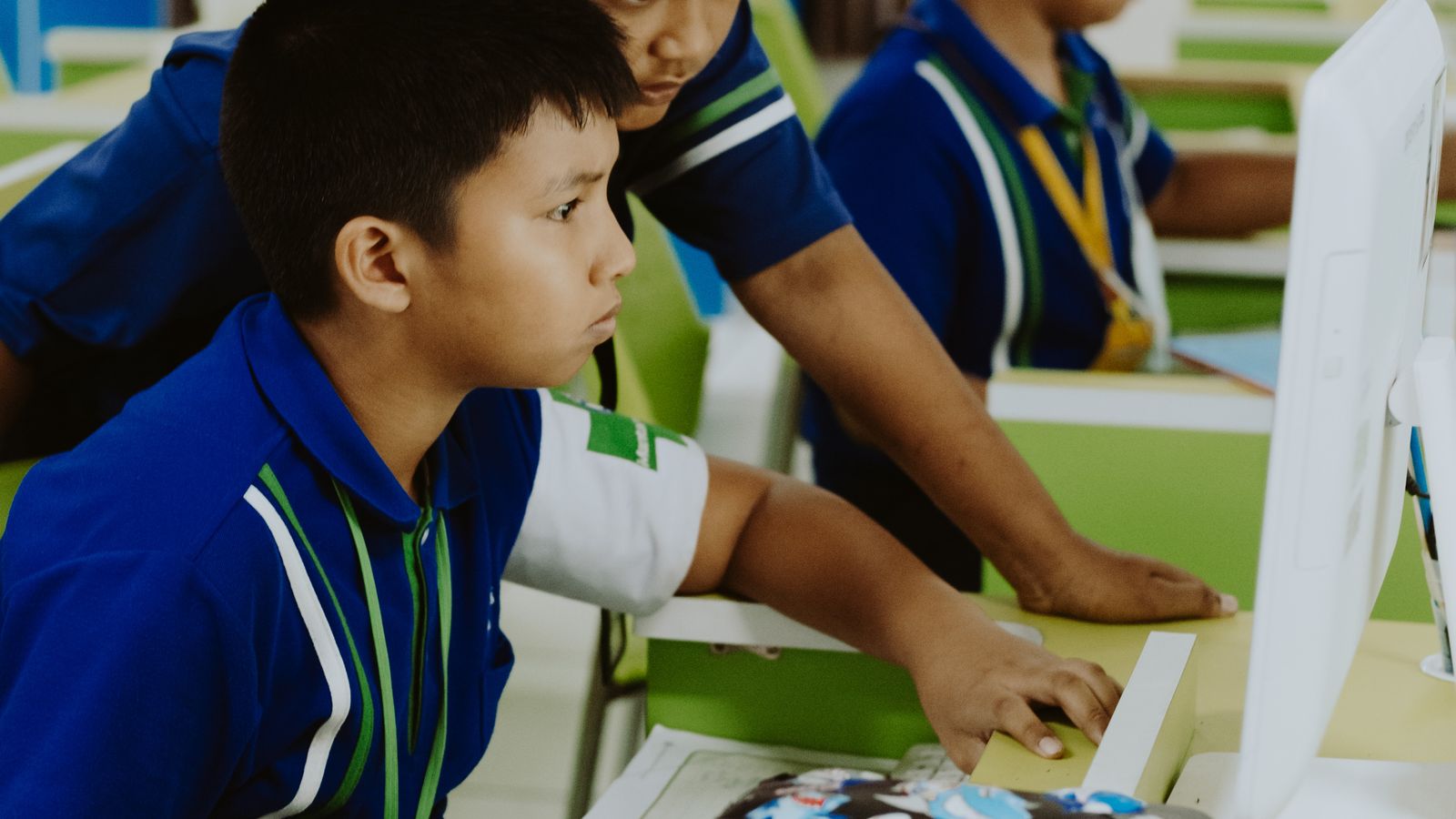
Caption: Most yearbook committees now build the whole book on shared school machines, which is why browser-based tools won.
What does a yearbook maker actually do?
A yearbook maker gives you a fixed page size, a grid, and a set of layouts you drop photos and names into. It is not a photo editor and it is not a printer. Its one job is to keep 80 or 200 pages visually consistent when a dozen different people are building them, then hand you a print-ready file at the end.
That framing matters because it tells you what to test. Open the free tier and try these three things:
- Add a page in the middle of the book. Some editors renumber everything and break your spreads.
- Share it with someone who does not have an account. This is where most free tiers stop.
- Export. Check whether you get a usable file or a checkout page.
If a tool fails the sharing test, it is a solo design tool wearing a yearbook maker label.
The 6 best yearbook maker tools in 2026
| Tool | Free tier covers | Best for | Printing | Real catch |
|---|---|---|---|---|
| Canva | Full design, team sharing | Big committees, most templates | Export, print elsewhere | Templates are everywhere, so books look alike |
| Flipsnack | Design + a shareable flipbook | Digital-only yearbooks | Print add-on | Free flipbooks carry branding |
| FlipHTML5 | Design + hosting | Sharing by link, no print run | None built in | Editor is dated next to Canva |
| Blurb | Design only | Schools already committed to print | Yes, their own | The editor exists to sell the print run |
| Mixbook | Design only | Small books, elementary schools | Yes, their own | Priced per book, no bulk school pricing |
| MyScrapBook Studio | Full editor, own kits | Mixed photo-and-story pages | Export, print elsewhere | Not a school-specific product |
Two of those are not really competing with the other four. Blurb and Mixbook are print companies, and their editors are the front door to a print order — perfectly fine if you already know you are printing with them, and a dead end if you wanted the file.
Canva, Flipsnack, FlipHTML5 and MyScrapBook Studio all let you design first and decide about printing later. For a committee that has not yet secured a budget, that ordering is the practical one.
How to make a yearbook online in 5 steps
1. Fix the page count first
Decide on 48, 72, 96 or 120 pages before anyone designs anything. Print quotes are driven almost entirely by page count and copy count, and adding sixteen pages in April is how a book goes over budget. Round to a multiple of four — that is how sheets fold.
2. Build the section list, not the pages
Write down your sections — seniors, clubs, sports, staff, candids, autographs — and assign a page range to each. Hand each section to one person. Committees that skip this step end up with three club spreads and no staff page.
3. Set one template per section and lock it
Pick a single layout for each section and make everyone use it. A yearbook maker will happily let twelve people choose twelve different fonts, and the result reads as twelve separate projects stapled together. Consistency is the whole visual argument of a yearbook.
4. Collect photos in one place with names attached
The bottleneck is never design. It is the shot of the volleyball team where nobody remembers the second player from the left. Set up one shared folder, require a name in the filename, and refuse submissions without it.
5. Proof on screen, then proof printed
Read every name out loud against the roster. Then order a single proof copy before the full run. A misspelled surname in 400 printed copies is not fixable, and it is the one mistake families remember.
What does a yearbook cost in 2026?
Design is free. Printing is not. A traditional school yearbook runs roughly $30 to $120 per student depending on page count, print method and order quantity, according to YearBoxx's 2026 school pricing guide — a 56-page book at 200 copies works out near $33 each, while a 280-page book at 500 copies lands closer to $162.
Quantity is the lever, not your choice of yearbook maker. The same book gets dramatically cheaper per copy as the run grows, which is why the print decision belongs to whoever is doing the pre-orders, not to whoever is doing the layout.
Scale explains why this market is crowded. Around 49.6 million students were enrolled in US public elementary and secondary schools as of the most recent federal count, per the National Center for Education Statistics. A large share of those schools produce something yearbook-shaped every year, and every online yearbook maker on the list above is chasing the same September-to-May cycle.
The quiet shift is that a growing number of groups now skip the print run entirely and hand out a link. Homeschool co-ops, sports teams, scout troops and small private schools rarely have the volume to make printing affordable, and a digital yearbook costs a fraction of a printed one.
Where MyScrapBook Studio fits
We built MyScrapBook Studio for memory books rather than schools, so it makes sense to be specific about which yearbook it suits and which it does not.
It suits a story-heavy book: a homeschool year, a team season, a class of thirty where each student gets a full page with photos, quotes and a short write-up. The editor is layer-based rather than slot-based, so a page can be photos, text and background art arranged freely instead of dropped into fixed rectangles.
It is the wrong tool for a 400-student high school directory book, where you need portrait grids generated from a photographer's export and per-student name imports. Canva or a dedicated school vendor will do that faster.
Here is the workflow that works well in our editor:
- Build one page the way you want the section to look, with the photo frames and text boxes positioned.
- Duplicate that page for every student in the section. The layout copies exactly, including type sizes.
- Swap the photo inside each frame — the frame keeps its crop and position, so pages stay aligned down to the millimetre.
- Edit the names and quotes last, in one pass, which is when typos get caught.
That duplicate-then-swap loop is the single biggest time saver on a repetitive book, and it is the reason a two-person committee can finish a 60-page year. If you want the same approach for a non-school project, the same steps appear in our guide to making a scrapbook online.
For the broader tool landscape beyond yearbooks, our comparison of digital scrapbooking software covers the same editors across general memory-keeping work, and our digital scrapbooking app roundup looks specifically at what runs well on tablets. Section backgrounds and borders can come from our free digital scrapbook templates.
FAQ
Can I use Canva to make a yearbook?
Yes, and for large committees it is usually the right call. Canva's free tier covers the full design and team sharing, and it has more yearbook templates than anything else on this list. The trade-off is that those templates are widely used, so books built from them tend to resemble each other.
What is the best free yearbook maker?
For a printed book, Canva — the free tier genuinely covers design and collaboration, and you export and print wherever you like. For a digital-only book shared by link, Flipsnack or FlipHTML5, since they host the flipbook for you. There is no reason to pay for design software in 2026.
How much does it cost to make one yearbook?
Roughly $30–$120 per copy, driven mainly by page count and how many you order. A short book in a large run is the cheap end; a 280-page book in a small run is the expensive end. Your yearbook maker adds nothing to that figure.
Can I make a yearbook without printing it?
Yes. A digital yearbook shared as a link or a downloadable file costs nothing beyond the design tool, and it works well for homeschool groups, teams and clubs that cannot hit the volume that makes printing affordable. You can always print a handful of copies later for the families who want one.
Start with one page
Do not open a yearbook maker and try to plan the whole book. Build one student page, exactly the way you want the section to look, and show it to the committee. Arguments about fonts end quickly once there is something on screen to point at.
When you are ready, open the editor and lay out that first page — the rest of the book is that page, repeated and filled in.
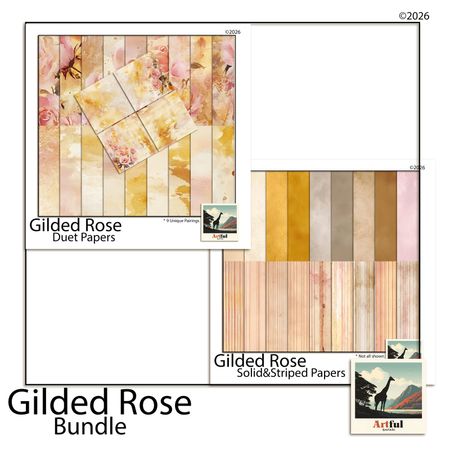
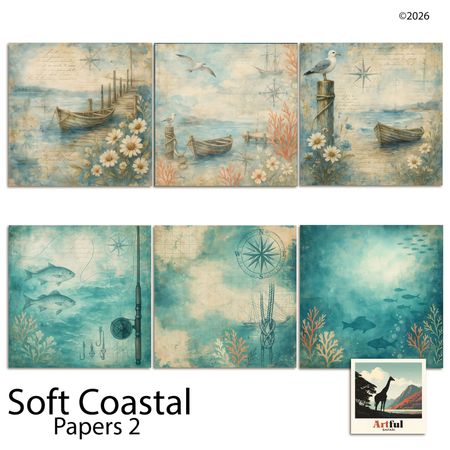
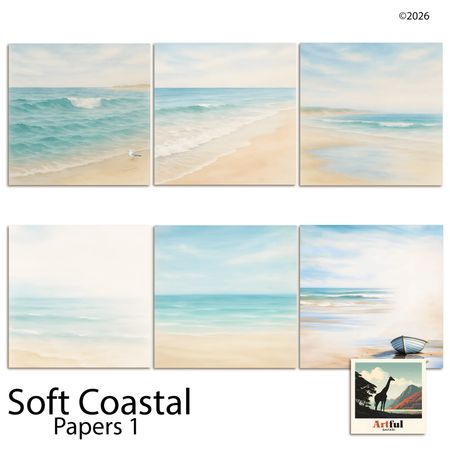
Related Kits
Kits from creators in our marketplace that match this article.
Related guides
Vision Board Maker: Build a Digital Board in 15 Minutes
A vision board maker turns vague goals into a board you actually look at. Compare 5 free tools, then build your own digital board in 15 minutes.
Digital Recipe Book: 5 Tools Tested for Family Recipes
A digital recipe book is either a searchable app or a keepsake you design page by page. Here are five tools tested, and which job each one fits.
How to Make a Virtual Scrapbook Free in Your Browser (2026)
A virtual scrapbook is a photo album you build on screen. How to make one free in your browser in 10 minutes, plus which tool fits your project.
How to Make a Digital Memory Book: 5 Tools for 2026
A digital memory book keeps photos, stories and voices in one place. Here are the 5 tools worth using in 2026 and how to build one in an afternoon.