Digital Recipe Book: 5 Tools Tested for Family Recipes

My aunt keeps her chocolate cake recipe on an index card in a tin, in handwriting that has faded to grey. Nobody has ever copied it out. That is the whole problem in one sentence.
A digital recipe book is any set of recipes you keep and read on a screen instead of a shelf, and it comes in two shapes that get confused constantly. One is a recipe manager — an app like Paprika or Recipe Keeper that stores, searches, scales and syncs across devices. The other is a designed book — pages you lay out yourself with photos, notes and the original handwriting, saved as a file you keep or print. Which one you need depends on a single question: are you cooking from it tonight, or handing it to someone in twenty years?
Most people go looking for the first and actually want the second.
TL;DR
- A digital recipe book is either a searchable app (cook from it) or a designed keepsake (pass it on). Pick the job before you pick the tool.
- For cooking tonight: Paprika or Recipe Keeper. Both import from any website and scale quantities.
- For a family recipe book with photos and handwriting: a page-design tool beats a recipe app, because recipe apps have no way to show grandma's actual writing.
- Photograph the original card before you type anything. The handwriting is the part nobody can recreate later.
- You can build a digital recipe book free in a browser and export it as a PDF that opens on any device, forever.
What a digital recipe book actually is
A digital recipe book replaces the tin, the folder, or the drawer of clippings with something that survives a house move and can be copied to five relatives at once. That is the practical case. The emotional case is stronger: recipes are one of the few family records that get used weekly, and they are almost never backed up.
The market has grown around the cooking-tonight half of that. The global recipe app market reached $1.41 billion in 2025 and is forecast at $1.6 billion in 2026, growing 13.4% a year. Those apps solve storage and search well. What none of them do is make a book you would be glad to hand someone.
And the appetite for the book is real. Print book unit sales hit 762.4 million in 2025, up 0.3% on 2024 according to Circana BookScan — people still want the object. A designed digital recipe book gives you both: a file that lives on every phone, and a layout worth printing when you want a physical copy.
The 5 tools, compared
Here is what each one is actually good at. Nothing on this list is bad; they are answering different questions.
| Tool | Best for | Cost | Shows handwriting + photos? | You end up with |
|---|---|---|---|---|
| Paprika | Cooking from it — import, scale, meal plan | ~$5 one-time per platform | No | A searchable database |
| Recipe Keeper | Same job, syncs across family accounts | Free tier, paid upgrade | Thumbnail only | A searchable database |
| GoodNotes + a template | Handwritten notes on a tablet | App + template purchase | Yes, if you draw it | A hyperlinked notebook file |
| Canva | One-off recipe cards and short books | Free tier, Pro upgrade | Yes | A PDF |
| MyScrapBook Studio | A family recipe book with photos and original cards | Free to start | Yes | A page layout you keep or print |
The split is clean. The first two are databases with a cooking interface. The last three are design tools, and only design tools can put a photo of the original card next to the typed version on the same page.
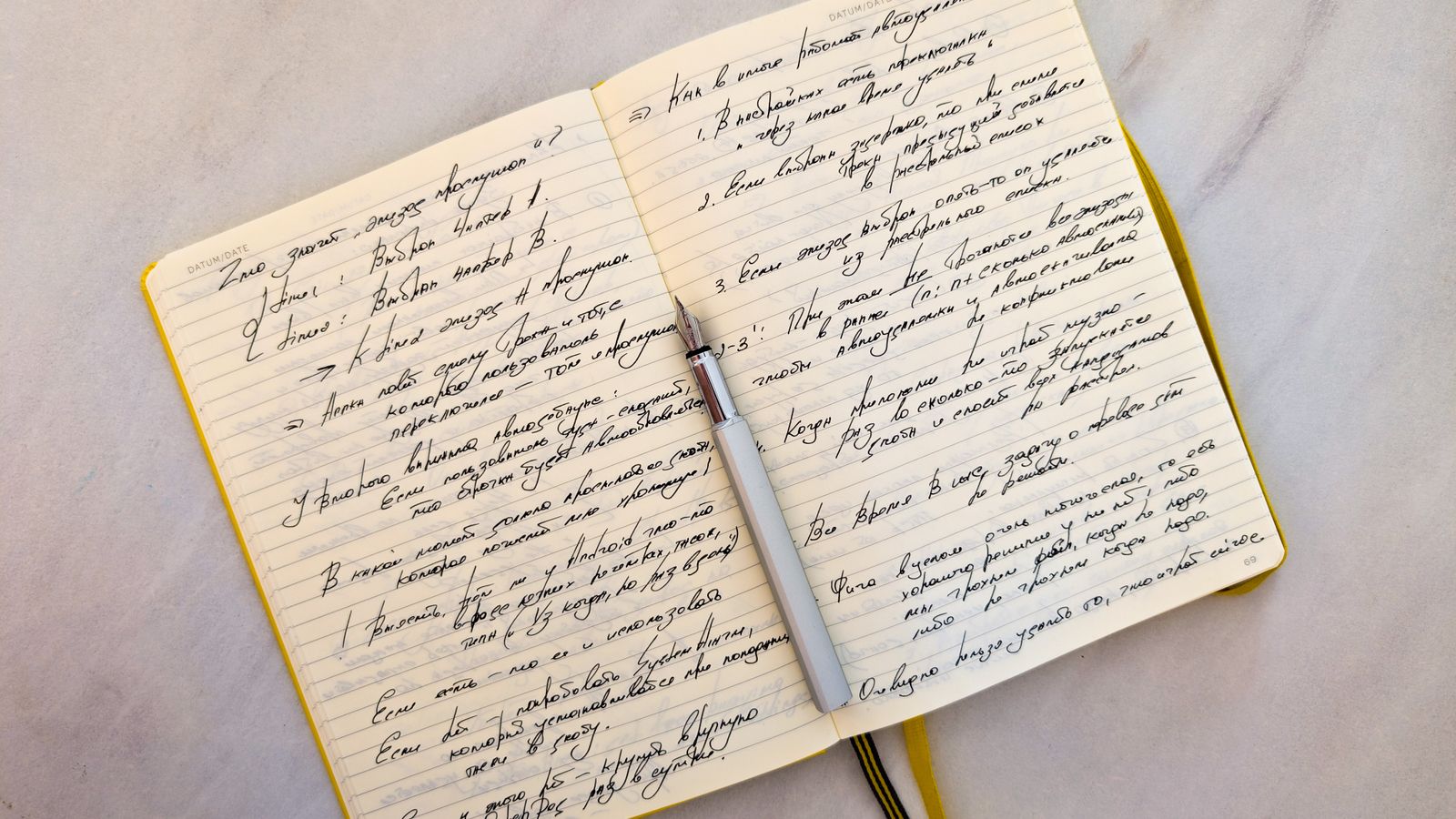
Caption: The handwriting is the part that cannot be retyped. Photograph it first, then type the recipe underneath.
Which one should you use?
Choose the recipe manager if you cook from your phone several times a week and mostly save recipes from websites. Choose a design tool if the recipes came from a person rather than a URL, and if anyone in the family would want a copy. If both are true, run both — a manager for the weekday cooking and a designed digital recipe book for the twelve recipes that actually matter.
A worked example: a book of 24 family recipes takes roughly four evenings. One evening photographing cards, one typing them out, two laying out pages at about eight minutes each. That is the real number, not an optimistic one.
If you are weighing browser tools generally, the same trade-offs show up in our roundup of digital scrapbooking software for 2026, which covers the design side in more depth.
How to make a digital recipe book
Five steps, in order. Do not skip the first one.
1. Photograph every original before you type
Lay each card flat in daylight, no flash, phone directly overhead. Shoot everything — the stained ones, the ones with a note in the margin about doubling the butter. Those margins are the reason anyone will read this. Once you have the images, the originals can go back in the tin.
2. Type the recipes out separately
Handwriting is lovely and unsearchable. Type each recipe into a plain text file or notes app first, so you have a clean version to paste into a layout later. This also forces you to decode the illegible bits while someone is still around to ask.
3. Decide the order
Course order (starters, mains, desserts) is the default and it is fine. Person order — Nana's pages, then Mum's — reads much better and is the version people cry over. Pick one and stay with it.
4. Build one page per recipe
A page that works: photo of the finished dish at the top, typed recipe in the middle, the original card image tucked in a corner at about a third of the width. Keep the same layout on every page and the book reads as one thing rather than 24 separate designs. You can start building pages in the editor free and duplicate your first page as the template for the rest.
5. Export twice, store in two places
Export a PDF for reading and sharing, and keep the source project so you can add recipes next year. Put the PDF somewhere a relative can find it without you. A digital recipe book that only exists on your laptop has not solved the problem you started with.
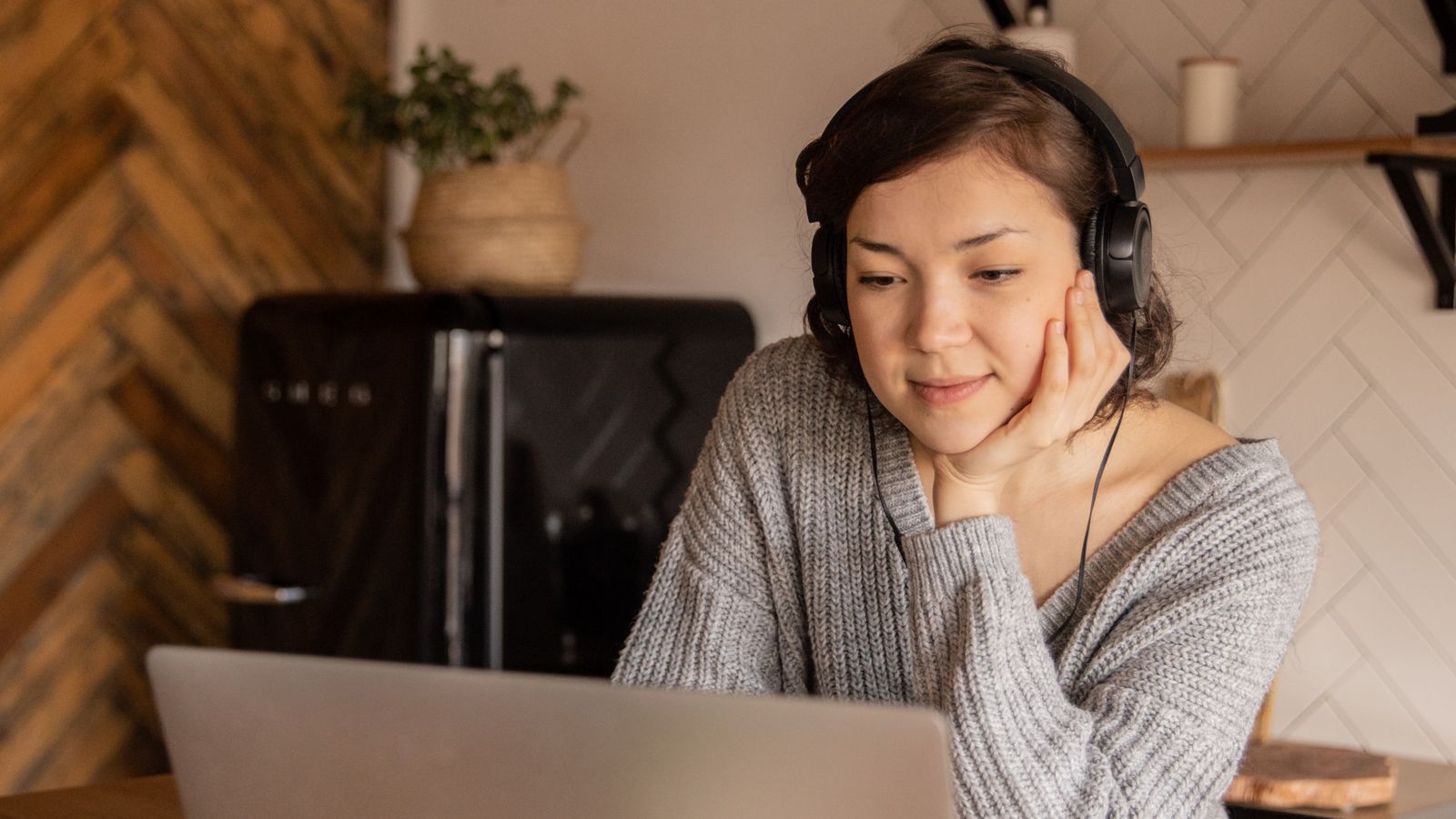
Caption: Eight minutes a page is a realistic pace once the first layout is set.
What to do with the handwritten cards
This is the question that decides whether your digital recipe book is worth making. A recipe manager stores the words and loses the hand. A designed page keeps both.
Scan or photograph at the highest resolution your phone offers, then place the image on the page at a size where the writing is legible — usually a third to a half of the page width for a standard index card. Add one line of context underneath: who wrote it, roughly when, and what they made it for. That single line does more work than any amount of styling.
If your recipes are tangled up with wider family records, the same approach carries over to a family history scrapbook, where photographed documents sit alongside typed text the same way.
Doing it on a tablet with GoodNotes
GoodNotes is the popular route for people who want to write into their digital recipe book by hand on an iPad. You buy or download a hyperlinked template, then add recipes as pages. It suits people who already live in GoodNotes and want a notebook rather than a book.
The limitation is distribution. A GoodNotes file needs GoodNotes. If you want relatives on Android phones and older laptops to open it, export a PDF as well — and remember that 91% of US adults now own a smartphone per Pew Research Center, so a phone-readable file reaches almost everyone in the family.
FAQ
What is the best digital recipe book?
There isn't one best, because the two jobs are different. Paprika is the strongest recipe manager for cooking from. For a family recipe book you intend to keep or give away, a page-design tool wins, because recipe managers cannot show the original handwriting.
Is there a free digital recipe book available?
Yes. Recipe Keeper has a free tier for storing and searching, and you can build a designed digital recipe book free in a browser and export it as a PDF. The paid upgrades mostly buy sync, storage and extra templates rather than core function.
How can I make a digital recipe book?
Photograph the original cards, type the recipes into a plain file, then lay out one page per recipe with the photo, the typed text and the original image together. Export as a PDF and store a copy somewhere a relative can reach it. Roughly four evenings for 24 recipes.
What is the best way to digitize recipes?
Photograph flat, overhead, in daylight, at full resolution — then transcribe the text separately. Keeping both the image and the typed version is the whole point; an image alone is not searchable, and text alone throws away the handwriting.
Start with twelve recipes
Do not try to do the whole tin. Pick the twelve recipes your family actually cooks, and build those pages first. A finished twelve beats an abandoned sixty every time, and you can add to the file for years.
If you want a different artifact from the same approach, the yearbook maker guide walks through the same photo-and-text page structure for a school year rather than a kitchen. Otherwise, open the editor and put the first recipe on a page tonight.
Related Kits
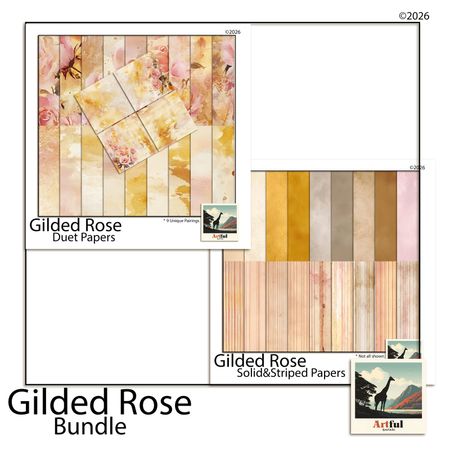
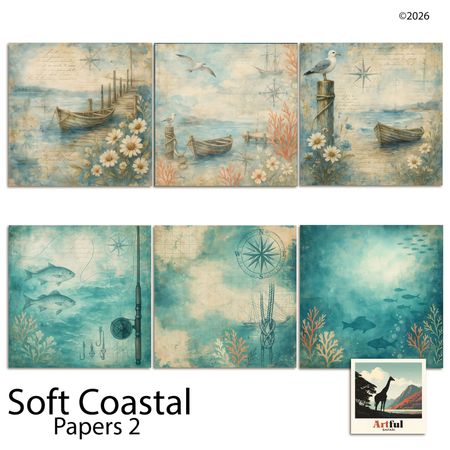
Kits from creators in our marketplace that match this article.
Related guides
Vision Board Maker: Build a Digital Board in 15 Minutes
A vision board maker turns vague goals into a board you actually look at. Compare 5 free tools, then build your own digital board in 15 minutes.
Yearbook Maker: 6 Free Online Tools Compared for 2026
Choosing a yearbook maker in 2026? We compare six online tools on price, templates, collaboration and printing so your committee can start this week.
How to Make a Virtual Scrapbook Free in Your Browser (2026)
A virtual scrapbook is a photo album you build on screen. How to make one free in your browser in 10 minutes, plus which tool fits your project.
How to Make a Digital Memory Book: 5 Tools for 2026
A digital memory book keeps photos, stories and voices in one place. Here are the 5 tools worth using in 2026 and how to build one in an afternoon.