Free Digital Scrapbook Templates: 5 Real Sources for 2026

My sister texted me four photos from her daughter's swimming carnival last week and asked the question I hear most: "How do you get these onto an album page without starting from a blank screen?"
The answer is free digital scrapbook templates — pre-built pages where the photo spots, text blocks, and backgrounds are already arranged, so you drop your photos in and adjust instead of designing from nothing. In 2026 you can get them from five reliable places: built into a free online editor like MyScrapBook Studio, Canva's template gallery, free kit samples from digital scrapbooking shops like MyMemories, Kittl's template library, and the PicCollage mobile app. The fastest route is templates that live inside a free editor, because there's nothing to download, unzip, or import — you open the template and start placing photos.
This guide compares all five sources, explains the real catch behind each "free," and walks through filling your first template page in about ten minutes.
TL;DR
- Free digital scrapbook templates come in two forms: files you download (ZIP/PNG packs) and templates built into an online editor. Built-in is faster because nothing needs importing.
- MyScrapBook Studio's free editor includes a core template gallery — grids, single-photo features, journaling pages, and family album layouts — plus the full background paper library and full-resolution PNG/PDF export with no watermark.
- The usual catch with "free" elsewhere: downloads that require separate software to assemble, free tiers that watermark or cap resolution, or samples designed to sell a paid kit.
- The standard digital scrapbook page is 12×12 inches (3600×3600 px) — check any downloaded template matches before you build on it.
What Counts as a Digital Scrapbook Template?
A digital scrapbook template is a pre-arranged page design: photo drop zones, mats, text placeholders, and a background, already positioned so the page works the moment your photos land in it. It's the structure of a page, separate from the decorations that fill it.
Three terms get mixed up constantly, and knowing the difference saves you from downloading the wrong thing:
- Template — the page structure. Photo spots and text blocks in a fixed arrangement you fill in.
- Layout — a finished page, or the design idea behind one. Our guide to free digital scrapbook layouts covers nine you can copy.
- Kit — a themed set of digital papers, embellishments, and alphabets. Kits decorate a template; they don't structure the page.
If you're brand new to all three, the complete beginner's guide to digital scrapbooking explains how they fit together.
Where to Get Free Digital Scrapbook Templates in 2026
The five sources below are all genuinely usable for free — but each one's "free" works differently. The biggest practical split is whether the template lives inside an editor (open and go) or arrives as a download (you need software that can open it).
| Source | What's free | Download needed? | The catch |
|---|---|---|---|
| MyScrapBook Studio | Core template gallery: grids, single-photo, journaling, family album pages | No — built into the free editor | Photo storage is capped on the free account; occasion-specific templates come with paid creator kits |
| Canva | Large scrapbook template gallery | No — browser editor | General design tool: no drop zones or album flow, so multi-page books are assembled page by page |
| MyMemories | Free kit and template samples from the store | Yes — ZIP files | Samples exist to sell full kits; you assemble pages in your own software |
| Kittl | Scrapbook templates in its design tool | No — browser editor | Built for graphics and printables, not albums; scrapbook selection is small |
| PicCollage | Template-based pages with stickers and text | App install | Phone-first: quick collages, but fiddly for a full 12×12 album |
MyScrapBook Studio is the one I'll show below, because it's the only option on the list built specifically for scrapbook albums: templates open inside the free editor with drop zones already placed, the full background paper library is included, and finished pages export at full resolution — PNG per page or PDF per album — with no watermark. If you're weighing full tools rather than just templates, our best online scrapbook maker roundup compares the field.
Canva and Kittl are good when you want one decorative page rather than an album. MyMemories free samples are a nice way to collect digital papers and elements, as long as you already have an editor to use them in. PicCollage suits quick phone pages you'll share rather than keep.
There's a reason every one of these tools leads with templates now: the volume of photos we take has outrun anyone's ability to do something with them. Over 2.1 trillion photos will be taken worldwide in 2025, 94% of them on smartphones, according to Photutorial. A template is the difference between those photos becoming an album page tonight or staying in the camera roll for another year.
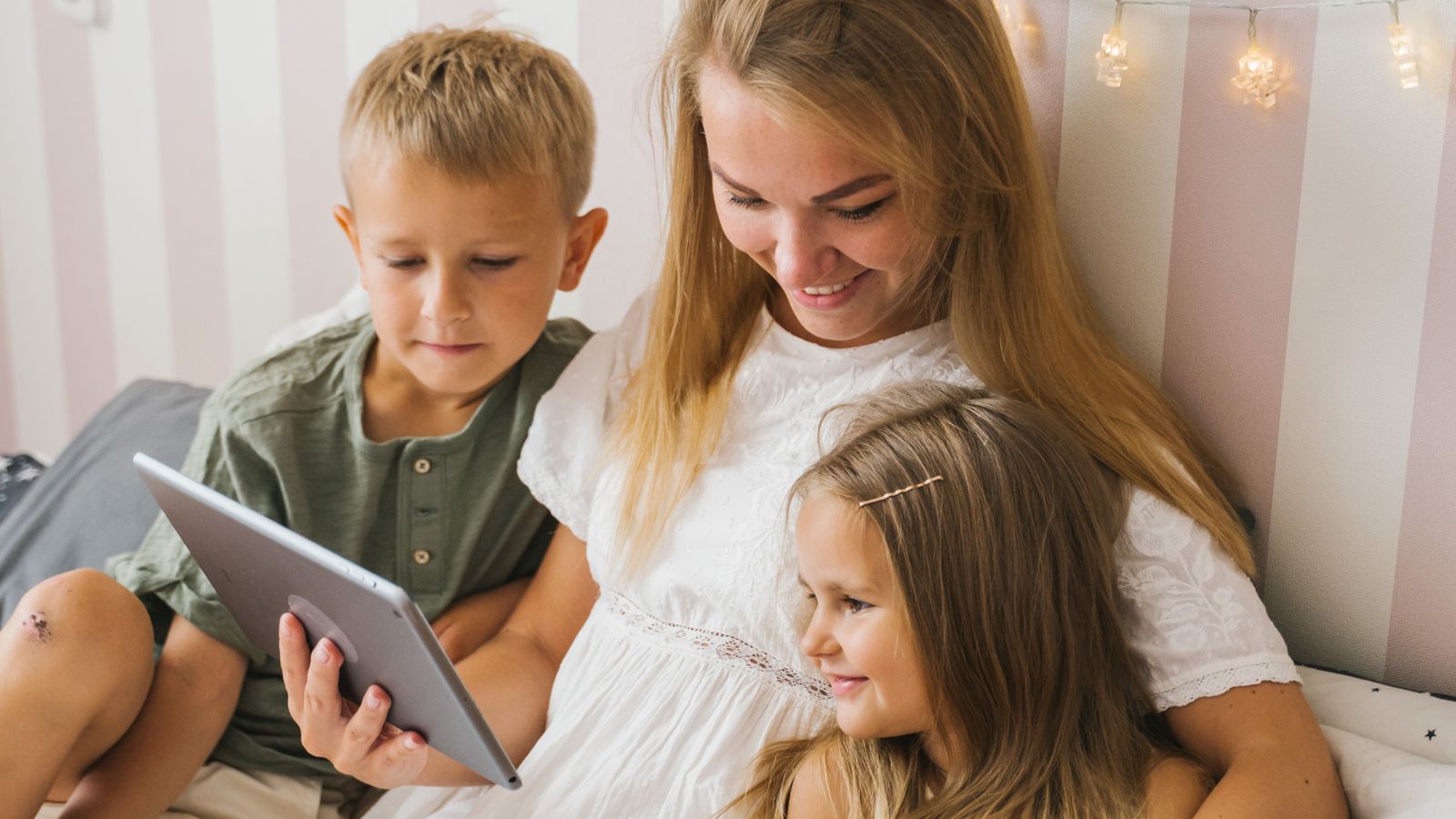
Caption: A template turns "we should do something with these photos" into a finished page the same evening.
Built-In Templates vs Downloaded Templates
Built-in templates open inside an editor with everything connected — drop zones sized, fonts chosen, background set. Downloaded templates are files: you unzip them, import the pieces into whatever software you use, and reassemble the arrangement yourself. Both are free; only one is free and fast.
Downloaded template packs made sense when digital scrapbooking meant desktop software. They still work — but the hidden cost is the toolchain. A layered template usually needs software that understands layers, and a flattened one is just a picture you can't rearrange. The scrapbooking world isn't shrinking — the global scrapbooking supply market reached USD 3.33 billion in 2025 and is projected to grow about 4.6% a year through 2034, per Growth Market Reports — but the free-template experience has clearly moved into the browser, where the template, the papers, and the export all live in one place.
My rule: download a template only when you love that specific design. For everything else, work where the templates already are.
How to Make a Page From a Free Template in MyScrapBook Studio
Here's the exact ten-minute path I gave my sister for her swimming carnival photos.
1. Open the free editor and pick a template
Open the editor and choose from the core gallery — for four event photos, a 4-photo grid is the no-decisions option; a single-photo feature works when one shot deserves the whole page.
2. Drop your photos into the zones
Each photo spot is a drop zone: drag a photo onto it and it snaps to fit, already matted. Reorder until the strongest photo sits top-left, where the eye lands first.
3. Swap the background and edit the text
Pick a background from the free paper library — for sports photos I go with a solid or subtle texture in one colour pulled from the uniforms. Then click the placeholder text and type the real details: event, date, one line about what happened. Future-you wants the date.
4. Export at full resolution
Download the page as a high-resolution PNG, or keep building and export the whole album as a PDF. Free accounts export at full quality with no watermark — the free-tier limit is photo storage, not output.
FAQ
Are digital scrapbook templates really free?
Yes — genuinely free templates exist, but check which "free" you're getting: templates built into a free editor (use immediately), free downloadable samples (need your own software), or free tiers of design tools (sometimes watermarked or resolution-capped). MyScrapBook Studio's core templates are the first kind: included in the free editor with full-resolution export.
What size should a digital scrapbook template be?
The standard digital scrapbook page is 12×12 inches, which is 3600×3600 pixels at 300 DPI. Templates built into an editor are already sized; if you download one, confirm the dimensions before building on it, because upscaling a small template makes photos soft.
Can I print pages made from a free template?
Yes. A full-resolution 12×12 PNG export prints cleanly at 12×12 or downsized to 8×8. Templates for specific occasions — like these graduation album templates — are the ones people most often print as gifts.
Do I need Photoshop to use digital scrapbook templates?
No. Photoshop is only needed for layered template files (PSD/TIFF). Browser editors like MyScrapBook Studio, Canva, and Kittl handle the template mechanics for you, which is exactly what makes their free templates practical for non-designers.
Four photos are sitting in your camera roll right now that would fill a grid template tonight. Open the free editor, pick the 4-photo grid, and see how far the ten-minute version gets you — the template does the design part, and the free account exports your finished page at full resolution.
Related Kits
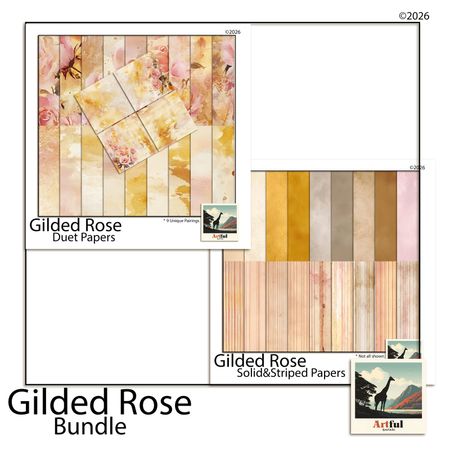
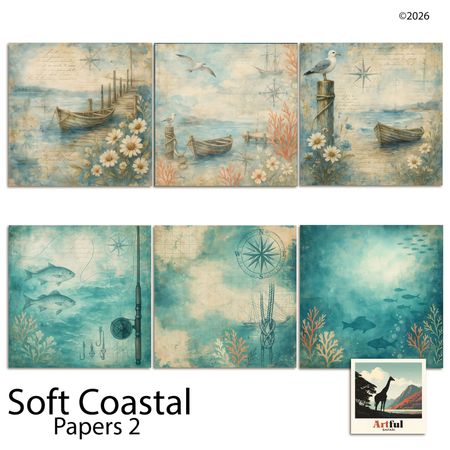
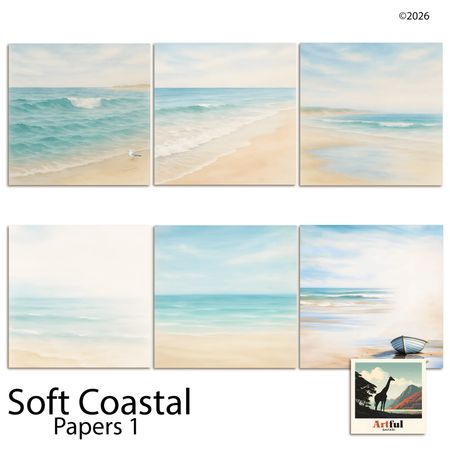
Kits from creators in our marketplace that match this article.
Related guides
Vision Board Maker: Build a Digital Board in 15 Minutes
A vision board maker turns vague goals into a board you actually look at. Compare 5 free tools, then build your own digital board in 15 minutes.
Digital Recipe Book: 5 Tools Tested for Family Recipes
A digital recipe book is either a searchable app or a keepsake you design page by page. Here are five tools tested, and which job each one fits.
Yearbook Maker: 6 Free Online Tools Compared for 2026
Choosing a yearbook maker in 2026? We compare six online tools on price, templates, collaboration and printing so your committee can start this week.
How to Make a Virtual Scrapbook Free in Your Browser (2026)
A virtual scrapbook is a photo album you build on screen. How to make one free in your browser in 10 minutes, plus which tool fits your project.