Best Online Scrapbook Maker 2026: Free, No Download Needed

My sister-in-law had 4,000 photos from a trip to Portugal and a browser tab open for three weeks. She never made the album.
Here's the short version. You can make a scrapbook online for free, right now, in a browser tab — no download, no install, no subscription to start. The tools that do it well fall into two camps: general design apps that happen to have scrapbook templates, and dedicated memory-keeping editors built around photo albums. The camp you want depends on one question: are you making one page, or a book of pages? Get that wrong and you'll spend an afternoon fighting the software instead of finishing the album.
TL;DR
- You can make a scrapbook online free in any modern browser — Chrome, Safari, Edge — with no install.
- General design tools (Canva, Adobe Express, Fotor) are great for one page and painful for 40. They have no concept of an album.
- Dedicated scrapbook editors keep pages, photos and albums together, which is what actually matters past page three.
- The single biggest time-saver is picking your photos before you open the editor. Five photos, not five hundred.
- A realistic first page takes about 20 minutes. A full album is a habit, not an afternoon.
Which online scrapbook maker should you pick?
The five tools below solve different jobs. Pick the row that matches what you're actually making, then read the full comparison.
| If you are making… | Use | Why |
|---|---|---|
| One page for a birthday, post or gift | Canva | Fastest path; huge template library; no album needed |
| A full album you'll add to for months | MyScrapBook Studio | Pages live inside an album, not as separate files |
| A printed book delivered to your door | Mixbook | Book-first workflow built around printing |
| A quick collage on your phone | Fotor or Adobe Express | Social-sized layouts in minutes |
| A scrapbook on a laptop with no install | MyScrapBook Studio or Canva | Both run in the browser; MSS adds album structure |
Still deciding? The digital scrapbooking software guide covers the paid desktop options when you outgrow browser tools.
Where to Make a Scrapbook Online Free: 5 Tools Compared
If you want to make a scrapbook online without paying anything, five tools come up again and again. They are not interchangeable. The design apps win on template variety and asset libraries; the dedicated editors win on anything that involves more than a single page. Canva's scale is genuinely enormous — TechCrunch reports it passed 265 million monthly active users and 31 million paying subscribers — but scale is not the same as fit.
| Tool | Free tier | Album support | Best for | The catch |
|---|---|---|---|---|
| Canva | Yes, generous | None — pages are separate designs | A single standout page | No album view; 40 pages = 40 files to manage |
| Adobe Express | Yes, limited | None | Quick social-sized layouts | Template set is thin for memory keeping |
| Fotor | Yes, watermarked exports | None | Fast collages | Watermark unless you upgrade |
| Mixbook | Free to design | Yes, book-first | People who want it printed | Built to sell you a printed book |
| MyScrapBook Studio | Yes | Yes — pages live inside an album | Building an album over time | Digital-first; printing is on you |
The honest read: if you only ever want one page for a birthday post, open Canva and be done in ten minutes. If you're making something you'll add to for a year — a baby book, a travel album, a family history — the album structure is the whole game, and a general design tool doesn't have one. We wrote up the full landscape in our guide to digital scrapbooking software and ranked the options on our online scrapbook maker page. If you're weighing browser tools against a dedicated desktop program, our digital scrapbooking software page compares the paid options side by side.

Caption: The album that gets finished is usually the one someone else is waiting to see.
The Photo Shortlist Rule (Do This First)
Open your photo library, not the editor. The average phone is carrying roughly 2,000 photos, and Photutorial estimates humanity will take about 1.95 trillion photos in 2026 — around 5.3 billion a day. That abundance is exactly why people stall: choosing from 4,000 images is a different, harder task than laying out five.
So do the choosing separately, and do it first. Pull five photos into a folder — one establishing shot, two people, one detail, one closing shot. That's a page. If you can't decide between two, take both and cut one later; deciding inside the editor is where the afternoon goes.
This is the step nearly every tutorial skips, and it's the one that decides whether the album exists. If your photos are scattered across a phone, a laptop and an old drive, sort that out first — our photo organization guide covers the triage.
How to Make a Scrapbook Online in About 20 Minutes
Steps, not theory. This is the sequence that works in any browser-based editor, and it's how the workflow runs in MyScrapBook Studio specifically.
1. Start from a template, never a blank page
A blank canvas is a decision you don't need to make. Pick a template with roughly the right number of photo slots — a 5-photo layout for a 5-photo shortlist — and change it later if you want. The template is scaffolding, not a commitment.
2. Drop all five photos in at once
Select the whole shortlist and drag it into the editor together. Filling slots one at a time invites you to re-litigate each choice. Drop them all, then look at the page as a page.
3. Fix the crops, not the layout
Click each photo and adjust what's inside the frame — pull a face to the centre, cut the parking lot out of the corner. Resist moving the frames themselves for now. Most layouts look wrong because the crops are wrong, not because the grid is.
4. Write one sentence, not a caption
Add a single line of text with a date and a fact: "Lagos, June — the day the boat left without us." Specific beats poetic. In six years, the fact is the thing you'll be glad you wrote down.
5. Save, name it, close the tab
Name the page something you'd search for later. Then stop. The page is done. This is the discipline that turns a scrapbook into an album — you finished a unit of work instead of opening a project.
Twenty minutes, one page. Do that six times and you have a real album. Try it in the editor with a template from our free digital scrapbook templates collection.
The Mistake That Costs People an Afternoon
Almost everyone who sets out to make a scrapbook online tries to build the album first — the cover, the theme, the colour palette, the title font, the running order of 40 pages that don't exist yet. Hours disappear into a scaffolding for content that was never made.
Invert it. Make page one. Make it badly if you have to. A finished ordinary page beats a planned brilliant one, because page one is the only thing that makes page two likely. The theme will emerge from the pages — it always does, and it'll be better than the one you would have invented in advance.
The other quiet failure: working at the wrong size. Decide early whether these pages are for a screen or for eventual printing, because a page designed at social-post dimensions can't be rescued into an album spread later. Pick a square or album-shaped canvas up front and stay there — our digital scrapbooking software comparison shows which tools lock you into a canvas size after you start.
Does It Have to Be Free Forever?
Free gets you further than people expect. You can make a scrapbook online, build an album, and share it without spending anything — the free tiers on most of these tools are real, not a trial. What you generally pay for is stuff: premium template packs, extra embellishments, high-resolution export, and printing.
That's a reasonable place to spend money once the habit exists. It's a bad place to spend it on day one, before you know whether you'll actually keep going. Start free. Buy the pack when you've filled the album and want a nicer one. If you want a browser-free option, we compared the mobile and tablet route separately.
FAQ
Where can I make a scrapbook online for free?
Canva, Adobe Express, Fotor, Mixbook and MyScrapBook Studio all have working free tiers you can use in a browser. Canva is the fastest way to make one good-looking page; a dedicated editor is the better choice if you're building an album you'll add to over time.
What is the best app to make a digital scrapbook?
For a single page, a general design tool is fine. For an album, pick something that treats pages as part of a book rather than as separate files — that's the feature you'll miss on page ten, and it's the main line dividing the tools above.
Do I need to download anything to make a scrapbook online?
No. Every tool listed here runs in the browser. You need a modern browser and your photos; there's nothing to install and nothing to keep updated.
How long does a digital scrapbook page take?
About 20 minutes once your photos are chosen, which is the part that actually takes time. Choosing five photos from a library of thousands can take longer than laying them out — do it before you open the editor.
What size should an online scrapbook page be?
Decide before you design. For a screen-only album, a square 12×12 in (3600×3600 px) canvas is the scrapbooking standard and prints cleanly later if you change your mind. For social posts, 1080×1080 px is fine — but you can't upscale it into an album spread. Pick album dimensions up front and stay there.
How much does it cost to make a scrapbook online?
Nothing to start — every tool here has a real free tier, not a trial. You typically pay only for premium template packs, extra embellishments, high-resolution export, or printing. A reasonable upgrade point is after you've finished your first album, not on day one.
Can I print a scrapbook I made online?
Sometimes. Tools built around printing (like Mixbook) are designed to sell you a book. Digital-first editors export images or PDFs you can take to any printer, but check the export resolution before you commit to a layout.
Start With One Page
The album isn't the project. The page is the project, and the album is what's left after you've done it a few times. Pick five photos, open the editor, and give yourself twenty minutes.
If you're new to all of this, the complete beginner's guide covers the fundamentals before you start.
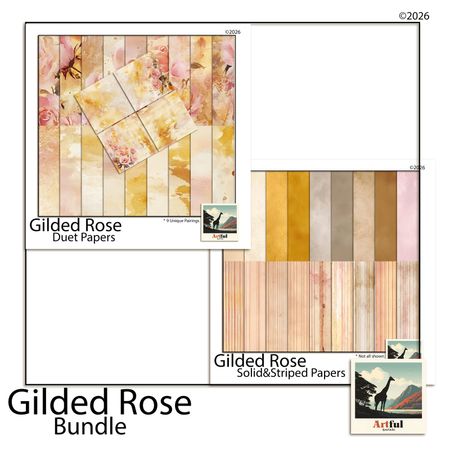
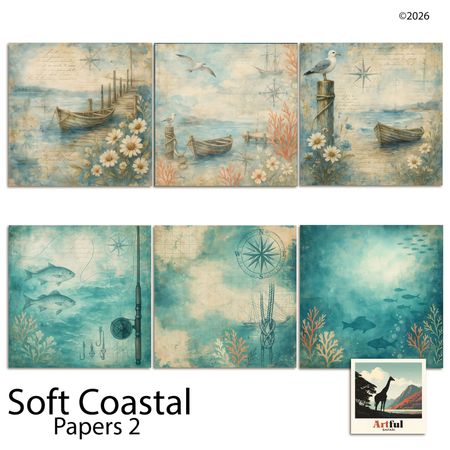
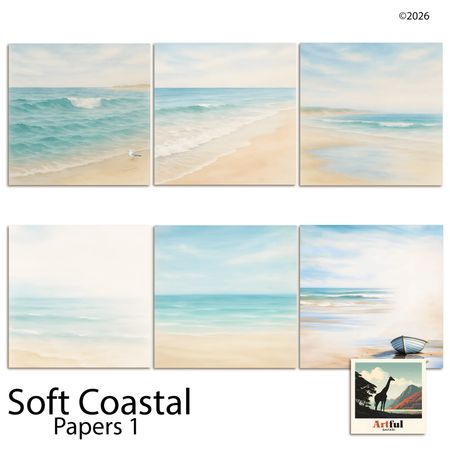
Related Kits
Kits from creators in our marketplace that match this article.
Related guides
Vision Board Maker: Build a Board with Clear Next Steps
See a finished vision board, choose a few goals, and pair each picture with a next step. Use the example to plan your own board before you pick a tool.
Digital Recipe Book: Keep Family Recipes and Handwriting
Make a digital recipe book from family cards and notes. Compare recipe apps with page design, plan your first page, and check the file before sharing.
Yearbook Maker: 6 Free Online Tools Compared for 2026
Choosing a yearbook maker in 2026? We compare six online tools on price, templates, collaboration and printing so your committee can start this week.
How to Make a Virtual Scrapbook Free in Your Browser (2026)
A virtual scrapbook is a photo album you build on screen. How to make one free in your browser in 10 minutes, plus which tool fits your project.