How to Make a Digital Memory Book: 5 Tools for 2026

My aunt kept a shoebox labelled "Mum – 1974". When she died, nobody could tell which of the forty-odd faces in it was actually her mother.
A digital memory book solves that specific problem. It is a single, ordered file that holds photos alongside the names, dates and stories that explain them — built in a browser, kept as a living document you can add to, and printed only if you want to. The difference between a digital memory book and a photo book is that a photo book is finished when the pictures are arranged; a memory book isn't finished until someone reading it in thirty years would know what they were looking at.
TL;DR
- A digital memory book pairs each photo with the story, name or date that gives it meaning — the photo book stops at the photo.
- Build it in a browser tool, not a print service, so you can keep adding to it after it's "done".
- Collect the stories before you design a single page. This is the step almost everyone skips.
- Five tools worth using in 2026: MyScrapBook Studio, Canva, Newlywords, FlipBuilder and Google Photos (for the raw collecting stage only).
- One spread per chapter of a life beats one page per year. It forces you to choose.
What a Digital Memory Book Actually Is
A digital memory book is a designed, ordered collection of photos plus written context, stored as a file rather than an object. It lives in a browser or an app, it can be shared by link, and it can be exported to print later. The written context is the defining part — remove the journaling and you have a photo album.
The distinction matters more every year. Humanity will take roughly 1.95 trillion photos in 2026, about 94% of them on smartphones, according to Photutorial's photo statistics report. Volume is not the problem anymore. Nobody is short of pictures of their mother. What's missing is the sentence underneath telling you it is your mother.
Meanwhile the market for the physical version keeps growing — the global photobook and album market is projected to grow from USD 3.62 billion in 2026 to USD 5.61 billion by 2034, a CAGR of 5.61%, per Fortune Business Insights. People still want the printed object. They just increasingly build it digitally first.
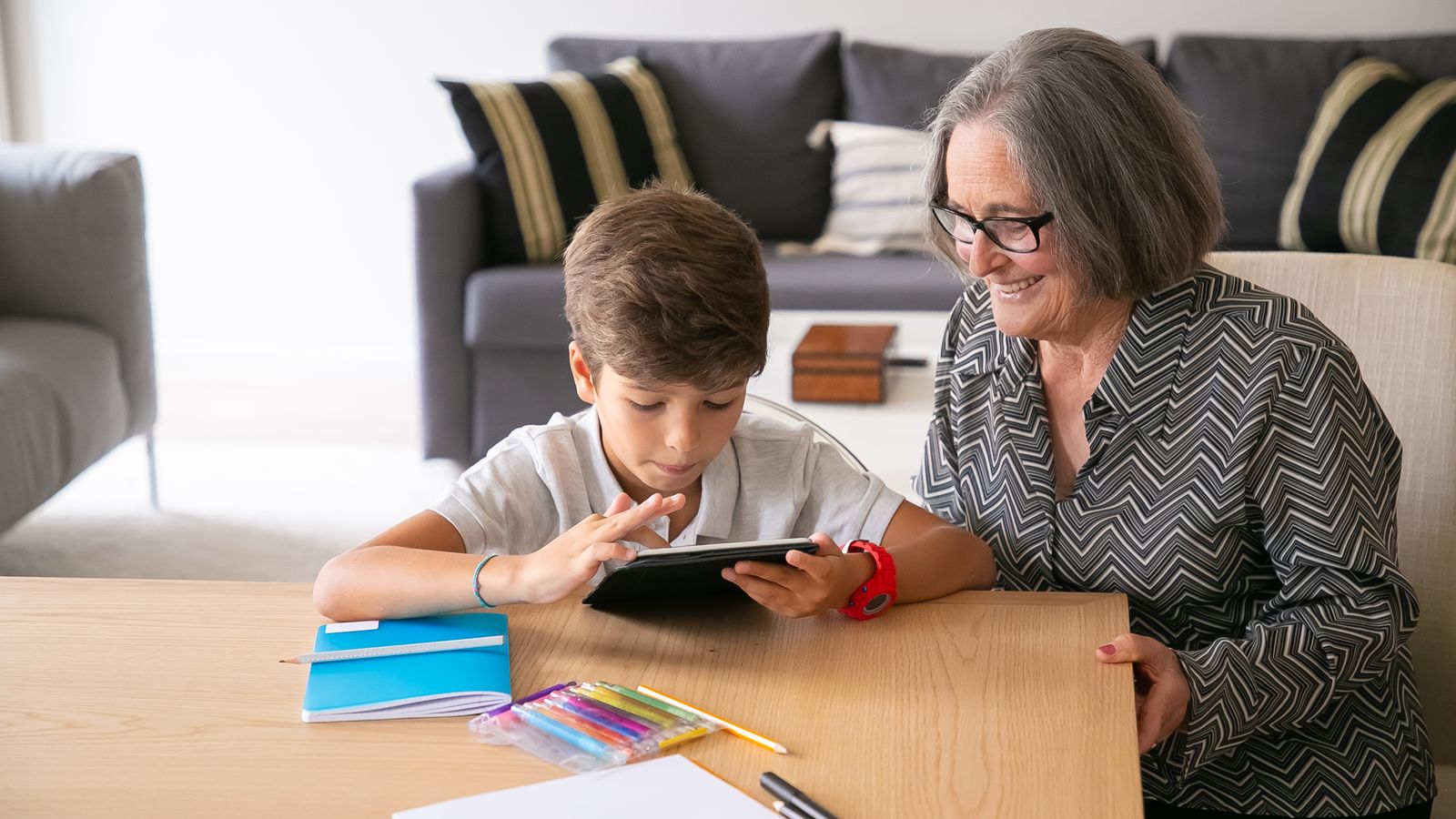
Caption: The test of a memory book is whether someone who wasn't there can follow it.
The 5 Best Tools for a Digital Memory Book in 2026
There is no single winner — it depends on whether you're designing, collecting, or collaborating. Here's the honest split:
| Tool | Best for | Journaling space | Keeps growing after "done"? |
|---|---|---|---|
| MyScrapBook Studio | Designed pages with real text control | Full text layers, any length | Yes |
| Canva | A handful of quick pages | Text boxes, fiddly past ~50 pages | Yes, but slows down |
| Newlywords | Collecting entries from many people | One entry per contributor | Closes when you print |
| FlipBuilder | Turning a finished PDF into a page-turner | None — it converts, doesn't author | No |
| Google Photos | The collecting stage only | Captions only | Yes, but no design |
If you want one recommendation: start the collecting in Google Photos or a shared album, then do the actual building somewhere with real text layers. Trying to author a memory book inside a print service's template editor is where most people give up. We wrote more about that split in our guide to digital scrapbooking software.
For a wider comparison of browser-based options, the digital scrapbooking app roundup covers the tools that work on a tablet as well as a laptop.
How to Make a Digital Memory Book in an Afternoon
1. Pick the boundary first
Decide what the book covers before you open anything. "My grandmother's life" is unbuildable. "My grandmother's years in Napier, 1958–1971" is a book you'll finish. A tight boundary is the single biggest predictor of whether a digital memory book gets completed.
2. Collect the stories before the photos
Sit down with whoever remembers and write plainly — names, places, what was happening that day. Voice notes work; transcribe them later. Do this first, because once you start arranging pictures you'll stop asking questions and start doing design, and the questions are the part that expires.
3. Choose 40–60 photos, not 400
Sort your images into "must", "maybe" and "no" and then throw the maybes out. If you need help culling a large library, our photo organization guide covers the sorting step in more depth.
4. Build one spread per chapter
Open a blank project in the MyScrapBook Studio editor and set up a two-page spread for each chapter you identified in step one. Drop three to five photos per spread and leave one clearly empty text block on every single spread — that empty block is what you'll fill with the story from step two. Leaving it visibly empty stops you from designing a page that has no room for words.
5. Write the captions last, in one sitting
Fill every empty block in one pass, at the end. Writing captions page-by-page as you design produces wildly uneven tone; doing them together in one sitting reads like one voice.
6. Export, share, then decide about print
Share the link first and let family correct you — they will, and they'll add names you didn't have. Only after that settles is it worth printing. If you're considering a printed copy, can you print a digital scrapbook walks through what actually survives the transition to paper stock.
The Mistake That Ruins Most Digital Memory Books
The failure is almost never design. It's chronology.
Most people build a digital memory book strictly year by year, because that's how the photos are sorted on their phone. The result reads like a filing cabinet: 2003, 2004, 2005, each spread the same weight, an important year and a nothing year given identical space.
Organise by chapter instead — "the Napier years", "after the shop closed", "the grandchildren arrive". Chapters let you give six spreads to the period that mattered and half a spread to the decade that didn't. It also means a missing year isn't a hole in the book; it's just not a chapter.
The practical version of this in the editor: name each project section before you place a single photo. If you can't name a chapter, you don't have one yet — merge it into the one next to it.
FAQ
Can a memory book be digital?
Yes, and it's the more durable option. A digital memory book can be duplicated, backed up and shared by link, none of which a single physical copy can do. You can still print it later; you can't un-print a book that was only ever an object.
What's the difference between a digital memory book and a photo book?
A photo book is organised around images; a digital memory book is organised around stories, with images supporting them. In practice that means a memory book has substantially more text and usually fewer photos per page.
Are there apps that work well as a digital memory book?
Browser-based design tools work best because they give you real text layers and let you keep editing after you've shared it. Print-service editors are built to close the file and sell you a book, which is the wrong shape for something meant to grow.
How long does a digital memory book take to make?
An afternoon for a 20-page book if the stories are already collected. The collecting is the slow part — budget a few conversations, not a few hours.
How many photos should a digital memory book have?
Forty to sixty for a first book. Enough to tell the story, few enough that you'll actually finish and that each photo earns its place.
Start With One Chapter
Don't try to build the whole thing. Pick the single chapter you know best — the one where you already have the stories in your head — and build those two spreads. A finished two-spread chapter that names everyone in it is worth more to your family than a hundred pages of unlabelled faces.
Open the editor and set up your first spread.
Related Kits
Kits from creators in our marketplace that match this article.
Related guides
Vision Board Maker: Build a Board with Clear Next Steps
See a finished vision board, choose a few goals, and pair each picture with a next step. Use the example to plan your own board before you pick a tool.
Digital Recipe Book: Keep Family Recipes and Handwriting
Make a digital recipe book from family cards and notes. Compare recipe apps with page design, plan your first page, and check the file before sharing.
Yearbook Maker: 6 Free Online Tools Compared for 2026
Choosing a yearbook maker in 2026? We compare six online tools on price, templates, collaboration and printing so your committee can start this week.
How to Make a Virtual Scrapbook Free in Your Browser (2026)
A virtual scrapbook is a photo album you build on screen. How to make one free in your browser in 10 minutes, plus which tool fits your project.