Digital Scrapbooking Software: Best Picks for 2026 (No Install)

You sat down to make one album page tonight, and forty minutes later you're still reading forum threads about which program to download.
Here's the short version: the best digital scrapbooking software in 2026 is whatever lets you start a page in minutes — no thirty-dollar download, no Photoshop learning curve. The old desktop installs still work, but most memory-keepers now reach for a browser-based tool that opens on any computer or tablet and saves as you go. The rest of this guide compares the real options and matches each one to the way you actually work.
TL;DR
- Digital scrapbooking software splits into three camps: heavy design apps (Photoshop), dedicated installs (MyMemories), and browser-based makers you open and use right away.
- For most hobbyists, a browser app wins in 2026 — no download, runs on Windows, Mac, or a tablet, and your pages autosave to the cloud.
- Photoshop and Photoshop Elements are powerful but built for designers, not for someone making their first page tonight.
- Digital is the fast-growing side of the hobby — about 12% annual growth versus 4.6% for physical supplies — so the tools keep getting simpler.
- You can start free. MyScrapBook Studio runs in your browser with templates, photo upload, and text tools, and nothing to install.
What counts as digital scrapbooking software?
Digital scrapbooking software is any program that lets you arrange photos, backgrounds, text, and embellishments into finished album pages on a screen instead of on a table. It ranges from professional design suites to simple drag-and-drop makers. The real difference between them is how much setup stands between you and your first page.
Three broad types cover almost everything people use:
- Design apps like Adobe Photoshop and Photoshop Elements. Endless control, layers, and effects — and a real learning curve. Designers love them; beginners often bounce off them.
- Dedicated desktop installs like MyMemories Suite and older Windows suites (Panstoria/Forever Artisan, Serif CraftArtist). Built for scrapbooking specifically, bought as a download, and tied to one computer.
- Browser-based makers like MyScrapBook Studio and Canva. You open a web page, you make a page. Nothing installs, and the same project follows you between devices.
The best digital scrapbooking software in 2026, compared
The strongest pick depends on your starting point — your budget, your computer, and how comfortable you are with design tools. Here's how the main options line up so you can match one to your situation instead of reading nine reviews.
| Tool | Type | Runs on | Cost | Best for |
|---|---|---|---|---|
| MyScrapBook Studio | Browser app | Any browser or tablet | Free to start | Making a real page today, no setup |
| Canva | Browser app | Any browser | Free + paid tiers | General design, not scrapbook-specific |
| MyMemories Suite | Desktop install | Windows / Mac | One-time purchase | Kit collectors working offline |
| Adobe Photoshop / Elements | Desktop install | Windows / Mac | Subscription or one-time | Designers comfortable with layers |
| Legacy suites (Artisan, CraftArtist) | Desktop install | Mostly Windows | Paid | Existing users of those suites |
The pattern is easy to read once it's side by side: the two browser apps ask the least of you up front, the installs ask the most. That's the single biggest factor in whether you finish a page or abandon the project in the download folder.
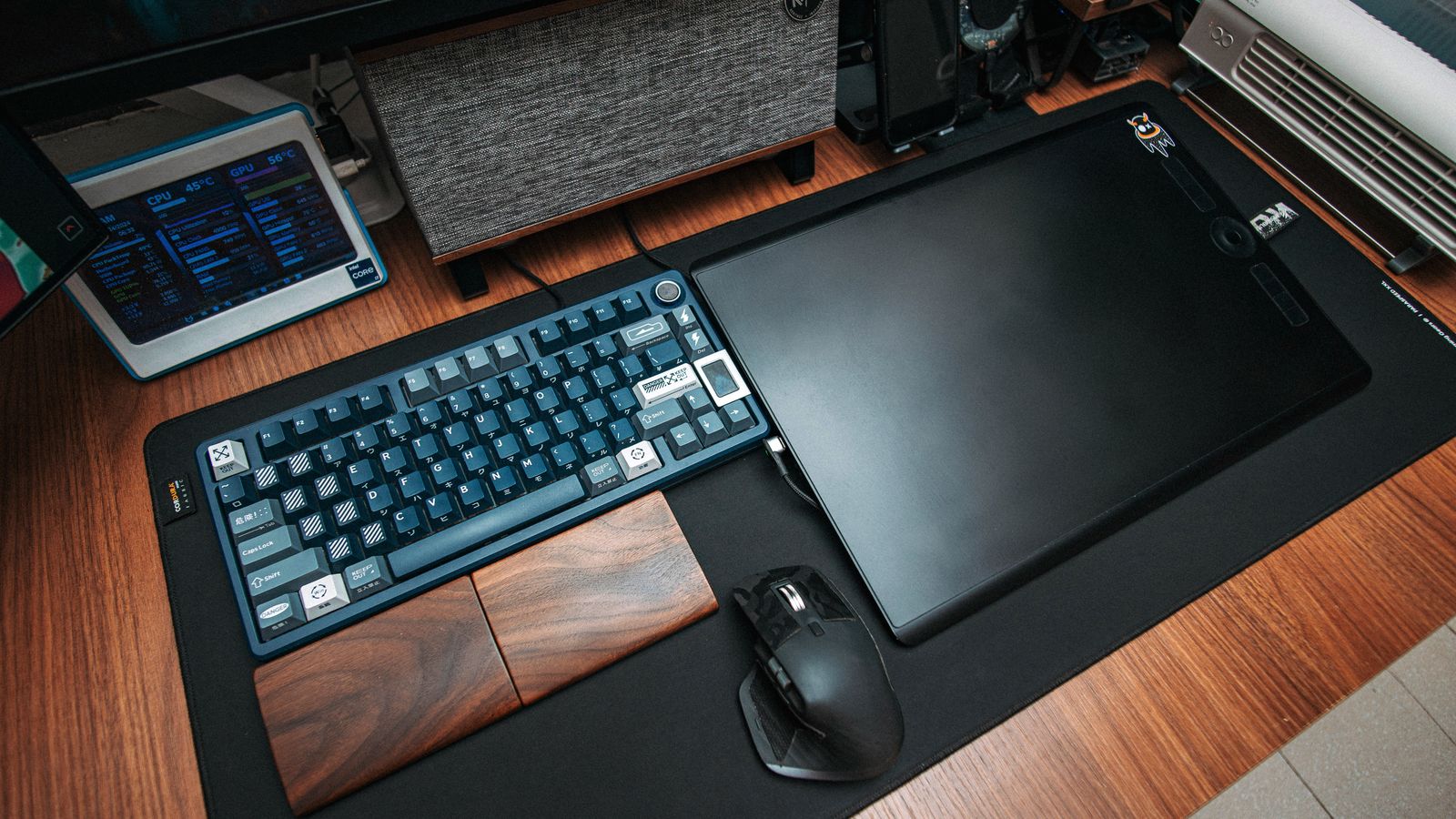
Caption: Browser-based scrapbooking software runs on whatever you already own — laptop, desktop, or tablet — with nothing to install.
Installed program or browser app — which should you pick?
For most people in 2026, a browser app is the better starting point: there's no download, it runs the same on any operating system, and your work saves automatically so a crash never costs you a page. Choose an installed program only if you specifically need to work offline or you already own a kit library tied to that software.
This is where the market has quietly shifted. Scrapbooking itself is not fading — the physical-supply market still grows about 4.6% a year toward $4.99 billion by 2034, according to Growth Market Reports. But the digital side is pulling ahead, growing roughly 12% a year toward $7.5 billion by 2033, per Future Market Insights' photo printing and merchandise data. That's about 2.6 times the pace of physical supplies, and it's the practical reason the software keeps getting easier: most of the new building is happening in browser tools, not boxed installs.
The trade-offs in plain terms:
- Installed software works offline and keeps everything on your machine — but it's tied to that one computer, costs money up front, and you maintain the updates yourself.
- Browser apps need a connection and trust the cloud with your files — but they open instantly, update themselves, and let you start a page on a laptop and finish it on a tablet.
If you're newer to this, the browser route removes the part that stops most people: getting set up at all. You can always graduate to a heavier tool later. Brand new to the hobby itself? Start with our complete guide to digital scrapbooking for beginners — it covers everything from organizing photos to finishing your first page. For tool-picking specifics, see how to pick a digital scrapbooking program and, if you're on Apple hardware, digital scrapbooking software for Mac.
What to look for in digital scrapbooking software
Before you commit to any tool, run it past a short checklist. These are the features that decide whether you keep using it after week one — not the marketing bullet points.
- Templates you'd actually use. A blank page is intimidating. Good starter layouts get you to "this looks like something" fast.
- Easy photo handling. Upload, crop, and swap photos without fighting the interface. This is most of what scrapbooking actually is.
-
Real text and font control. Journaling is half the story. Look for proper text tools, not a single caption box.
-
Output you need. Can you download a high-resolution file to print, and share a copy online? Both matter.
- Price that fits a hobby. Free-to-start beats a subscription you'll forget to cancel. Pay once you know you love it.
- Device freedom and autosave. If it only runs on one machine, or one closed tab loses your work, that's a real cost.
If photos are scattered across phones and old drives, sorting them first makes any software faster to use — organize your photos before you build and the page comes together in one sitting.

Caption: A browser app opens to a blank page in seconds — no setup, no download folder.
How to make a digital scrapbook page in MyScrapBook Studio
Here's the whole workflow in a browser tool, start to finish. It's the fastest path from "I have photos" to "I have a finished page," and it's free to follow along.
1. Open the editor in your browser
Go to the MyScrapBook Studio editor — there's nothing to download or install. It opens on Windows, Mac, or a tablet, so you use whatever's already in front of you.
2. Start from a template or a blank 12x12 page
Pick a layout if you want a head start, or open a blank page if you have a clear idea. Templates set the spacing and photo spots for you, which is the part beginners usually overthink.
3. Drop in your photos
Upload the photos for this page and drag them into place. Resize and crop right on the page until the arrangement feels balanced — no separate import step.
4. Add the words that matter
Add a title and a few lines of journaling. A date, a name, one sentence about why the moment mattered — that's what makes a page worth keeping years later.
5. Save and share
Your page autosaves as you work. When it's done, download a print-ready file or share a copy with family. Then start the next page; once the first one's done, the rest go quickly.
For more starter ideas, browse free digital scrapbook layouts you can make today, and if you're weighing apps specifically, here's how to pick the best digital scrapbooking app.
FAQ
What is the best digital scrapbooking software?
For most hobbyists in 2026, the best digital scrapbooking software is a browser-based maker like MyScrapBook Studio — it needs no install, runs on any device, and is free to start. Photoshop is the most powerful, but it's overkill for first pages. The right answer is the tool you'll actually open and finish a page in.
How can I create a digital scrapbook?
Open a browser-based editor, pick a template or a blank page, upload your photos, add a title and journaling, then save or print. You don't need a downloaded program or design experience — a starter template handles the layout and you fill in your own photos and words.
Is digital scrapbooking worth it?
Yes, for most people. It costs less than physical supplies, takes up no shelf space, can't be damaged by water or time, and your pages are easy to reprint or share. The digital side of the hobby is growing about 12% a year (Future Market Insights), and the tools have gotten simple enough that the only real cost is your time.
How much does digital scrapbooking cost?
It ranges from free to a few hundred dollars. Browser apps like MyScrapBook Studio are free to start with paid options later; MyMemories Suite is a one-time purchase; Photoshop is a monthly subscription. You can make finished pages without spending anything, then pay only if you want more templates or higher-resolution exports.
Start with one page
You don't need to settle the whole software question tonight — you need one finished page. Browser-based digital scrapbooking software makes that the easy part: open it, drop in a few photos, add a sentence, and you're done.
When you're ready to compare the broader field, here's the best online scrapbook maker for 2026. Or skip the research and open the editor — your first page is a few minutes away.
Related Kits
Kits from creators in our marketplace that match this article.

Related guides
Vision Board Maker: Build a Digital Board in 15 Minutes
A vision board maker turns vague goals into a board you actually look at. Compare 5 free tools, then build your own digital board in 15 minutes.
Digital Recipe Book: 5 Tools Tested for Family Recipes
A digital recipe book is either a searchable app or a keepsake you design page by page. Here are five tools tested, and which job each one fits.
Yearbook Maker: 6 Free Online Tools Compared for 2026
Choosing a yearbook maker in 2026? We compare six online tools on price, templates, collaboration and printing so your committee can start this week.
How to Make a Virtual Scrapbook Free in Your Browser (2026)
A virtual scrapbook is a photo album you build on screen. How to make one free in your browser in 10 minutes, plus which tool fits your project.