Scrapbooking Tips for Parents: 15 Fast Techniques to Make Meaningful Pages (With Free Weekly Planner)
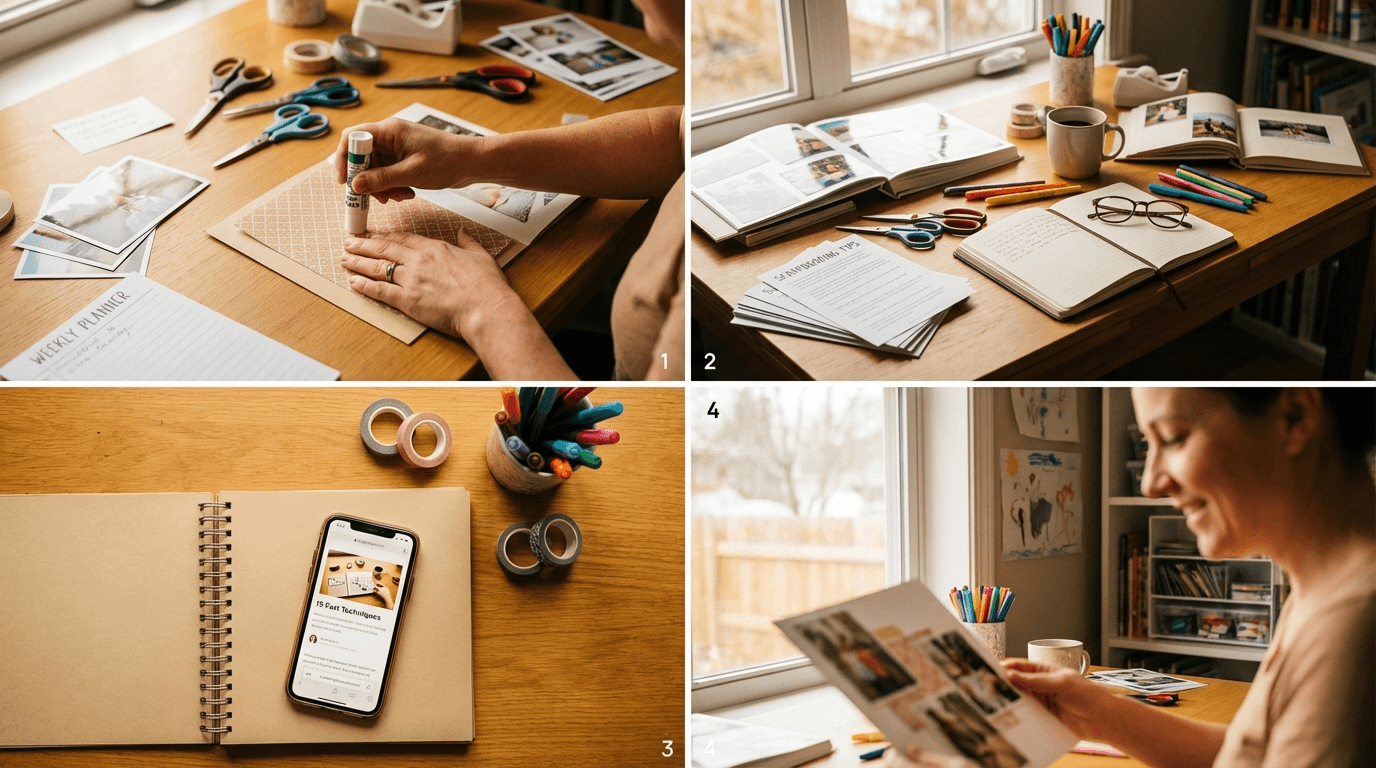
If you searched for scrapbooking tips for parents, you're probably not struggling with ideas.
You're struggling with time.
Most parents don't need another "be more creative" pep talk. You need a repeatable way to turn phone photos into finished pages even when life is full.
This guide gives you exactly that:
- 15 practical tips you can use this week
- a realistic 20-minute page workflow
- a free downloadable planner + template kit
If you want to get better consistently (not just when motivation hits), pair this with the full skill ladder here: How to Improve Scrapbooking Skills.
The Parent Reality: Why Scrapbooking Feels Hard Right Now
Parents are not short on meaningful memories. You're short on three things:
- Decision bandwidth — too many photos, too many options
- Focused time — tiny windows, constant interruptions
- Simple structure — no system means every page starts from zero
The fix is not buying more design elements.
The fix is reducing decisions and using one framework repeatedly.
Tip 1: Use the 1-5-1 Photo Rule Every Time
When you're tired, curation is the bottleneck.
Use this fast rule:
- 1 hero photo (the emotional center)
- 5 supporting photos (context, sequence, reactions)
- 1 detail shot (hands, shoes, place setting, notes, etc.)
That gives you enough variety without creating layout chaos.
If you regularly spend 20+ minutes just picking photos, this one rule will save the most time immediately.
Tip 2: Start Every Page With One Sentence
Before you drag in a single photo, write this:
"This page is about _____."
Examples: - "This page is about Cassidy's first football morning routine." - "This page is about our rainy Saturday baking disaster." - "This page is about the tiny bedtime ritual we almost never photograph."
That sentence prevents random design choices and keeps your story coherent.
Tip 3: Build Around Two Parent-Friendly Layout Formulas
You don't need 50 templates in active use.
Use these two as your default set:
A) Hero + Grid (for most daily memories)
- one large focal image
- 4-6 smaller support images
- one text block near the focal image
B) Timeline Strip (for events)
- left-to-right photo sequence
- short labels for each step
- one reflection line at the end
If you want more formula options, use this visual companion: 10 Creative Scrapbook Layout Ideas to Transform Your Photos.
Tip 4: Timebox Your Page to 20 Minutes
Parents win with constraints.
Try this timer split:
- 0-4 min: choose story + photos
- 4-10 min: place structure
- 10-15 min: add text
- 15-20 min: polish + export
When the timer ends, ship the page.
A finished "B+" page beats an unfinished "perfect" page every week.
Tip 5: Use a Weekly Memory Theme
Theme weeks reduce cognitive load.
Try this rotation:
- Week 1: "After-school moments"
- Week 2: "Family meals"
- Week 3: "Weekend rituals"
- Week 4: "Little wins"
When your theme is pre-decided, photo selection gets easier and your monthly album feels intentional.
Tip 6: Keep One Color System for the Whole Week
Changing palettes every page wastes energy.
Use: - 1 neutral base - 2 recurring accents - same text styles for all pages that week
Need a practical step-by-step for palette decisions? Use: How to Pick a Scrapbook Color Palette That Makes Every Page Look Polished.
Tip 7: Write Journaling in 3 Lines, Not Paragraphs
Most parents skip journaling because it feels like "real writing."
Use this 3-line structure:
- What happened
- Why it mattered
- The tiny detail worth keeping
Example: - We got to school five minutes late again. - No one cared except me. - Cassidy still smiled with toothpaste on her jumper.
Specific beats poetic for memory keeping.
Tip 8: Save a "Parent Page" Master Template
After you finish a page that works, duplicate it and strip content.
Keep: - spacing - text boxes - photo placeholders - style choices
Then reuse that structure weekly.
Template reuse is the fastest way to improve output quality while reducing effort.
Tip 9: Create a 3-Folder Intake System for Phone Photos
Don't start from "All Photos."
Use:
- KEEP THIS WEEK
- MAYBE LATER
- ARCHIVE
Do a 10-minute sort twice a week. You'll never face a 2,000-photo backlog again.
For the full workflow, follow: How to Organize Digital Photos for Scrapbooking.
Tip 10: One Story Per Page (Not One Day Per Page)
A common parent mistake is trying to document everything.
A stronger page captures one micro-story:
- one funny quote
- one transition moment
- one parenting win
- one messy but meaningful scene
When scope is small, emotion gets stronger.
Tip 11: Use Repetition to Look Professional Faster
If you want cleaner pages, repeat elements intentionally:
- same border thickness
- same corner radius
- same spacing rhythm
- same heading style
Consistency is what makes a page look polished, even with simple assets.
Tip 12: Cut 30% Before You Export
If a page feels busy, don't add anything.
Remove: - one decoration cluster - one secondary font - one competing accent color
Most pages improve through subtraction.
Tip 13: Add Dates and Place Names Immediately
Future you will forget the context faster than you think.
Always include:
- date
- location
- one specific contextual detail (weather, age, event)
This turns pretty pages into historical records your family will care about later.
Tip 14: Use a "Good Enough to Keep" Quality Checklist
Before exporting, confirm:
- [ ] Story focus is clear in one glance
- [ ] Text is readable on mobile
- [ ] Hero photo is obvious
- [ ] No duplicate/near-duplicate shots
- [ ] Date/location present
This prevents endless over-editing.
Tip 15: Schedule Two Sessions Per Week (Non-Negotiable)
Skill growth comes from consistency, not intensity.
A realistic parent cadence:
- Tuesday (20 min): quick page from this week's photos
- Saturday (30 min): one fuller page + archive/export
If you only do those two sessions consistently, your pages and confidence will improve fast.
A 4-Week Parent Scrapbooking Sprint (Use This Plan)
If you want to stop guessing what to do next, run this 4-week cycle.
Week 1 — Simplify
- Use only Hero + Grid
- Use the 1-5-1 photo rule
- Keep journaling to 3 lines
Week 2 — Stabilize
- Keep the same color system all week
- Duplicate one master template
- Ship 2 pages without reworking old ones
Week 3 — Strengthen Story
- Focus each page on one micro-moment
- Add one specific quote per page
- Include date + location every time
Week 4 — Polish
- Run the 30% reduction pass before export
- Review your last 6 pages
- Choose one variable to improve next month
This system is built to fit real parenting schedules, not ideal ones.
Free Download: Parent Scrapbooking Weekly Planner + Template Kit
To make this practical, we've packaged the exact resources used in this workflow.
Inside the free kit: - Weekly Scrapbooking Sprint Planner (CSV) - 20-Minute Parent Page Blueprint (Markdown) - Quick Journaling Prompts for Parents (TXT) - Photo Selection Scorecard (TXT)
Download the free resource: Scrapbooking Tips for Parents Template Kit (.zip)
Use it for one month and you'll build a repeatable system instead of relying on motivation.
FAQ: Scrapbooking Tips for Parents
How do I scrapbook when I only have 15-20 minutes?
Use one layout formula, cap photo count at 7, and timebox to 20 minutes. Focus on finishing, not perfecting.
What's the best number of photos per parent scrapbook page?
For fast, story-first pages: 6-8 photos usually works best (1 hero + 5-7 support).
Should I scrapbook daily or weekly as a parent?
Weekly is more sustainable for most families. Two sessions per week is enough to improve quickly.
How can I make pages look better without more supplies?
Improve alignment, spacing, and color consistency first. Those fundamentals matter more than buying additional kits.
Is digital scrapbooking better for busy parents?
For most parents, yes. It's faster to duplicate templates, rearrange layouts, and finish pages in short windows.
Spring 2026 Update: The Busy Parent Reality
A 2026 survey of family memory keepers found that 74% of parents say they have 3 months or more of unprocessed photos sitting on their phones — not because they don't want to preserve those memories, but because they can't find a reliable 20-minute window to sit down and do it.
That number hit close to home. Spring 2026 tends to be one of the busiest seasons for families: school events, sport finals, Easter gatherings, and the first real outdoor days of the year all happen in a compressed window. Which means even more photos pile up.
The tips in this guide were written for exactly that reality. The 20-minute workflow, the 1-5-1 photo rule, and the weekly theme system are all designed to work in small windows — not hour-long creative sessions.
If your phone camera roll is currently housing memories you haven't touched since last year, spring is a good moment to start.
Frequently Asked Questions
Can I scrapbook on my phone?
Yes — and for many parents, a phone is actually the most practical starting point.
Mobile digital scrapbooking apps let you select photos directly from your camera roll, drop them into pre-built templates, and add text without switching devices. MyScrapbook Studio is built to work across devices, which means a page you start on your laptop during nap time can be finished on your phone while waiting at school pick-up.
The main limitation of phone-only workflows is screen size. Detail work (font choices, fine alignment, journaling) is harder on a small display. A common pattern that works well: do the heavy layout work on a desktop or tablet, then review and export on your phone.
For quick pages — holiday snaps, birthday moments, school firsts — phone-based scrapbooking is completely viable.
Your Next Step
Pick one memory from this week and run the 20-minute workflow today.
Then join the waitlist to get early access to MyScrapbook Studio's workflow templates and Founders Kit bonuses.
Join the waitlist: https://myscrapbookstudio.com
Only 76 Founders Kit spots remaining out of 100.
If you want better scrapbook pages without sacrificing family time, this is where to start.
Keep Reading
- How to Improve Scrapbooking Skills: 15 Practical Ways to Get Better Fast — build stronger design and storytelling habits step by step.
- Digital Scrapbooking Tutorials: A Practical Beginner Roadmap (With Free Starter Pack) — follow a 30-day path with concrete weekly lessons.
- How to Organize Digital Photos for Scrapbooking (Fast) — clean up photo chaos before page design starts.