10 Creative Scrapbook Layout Ideas to Transform Your Photos
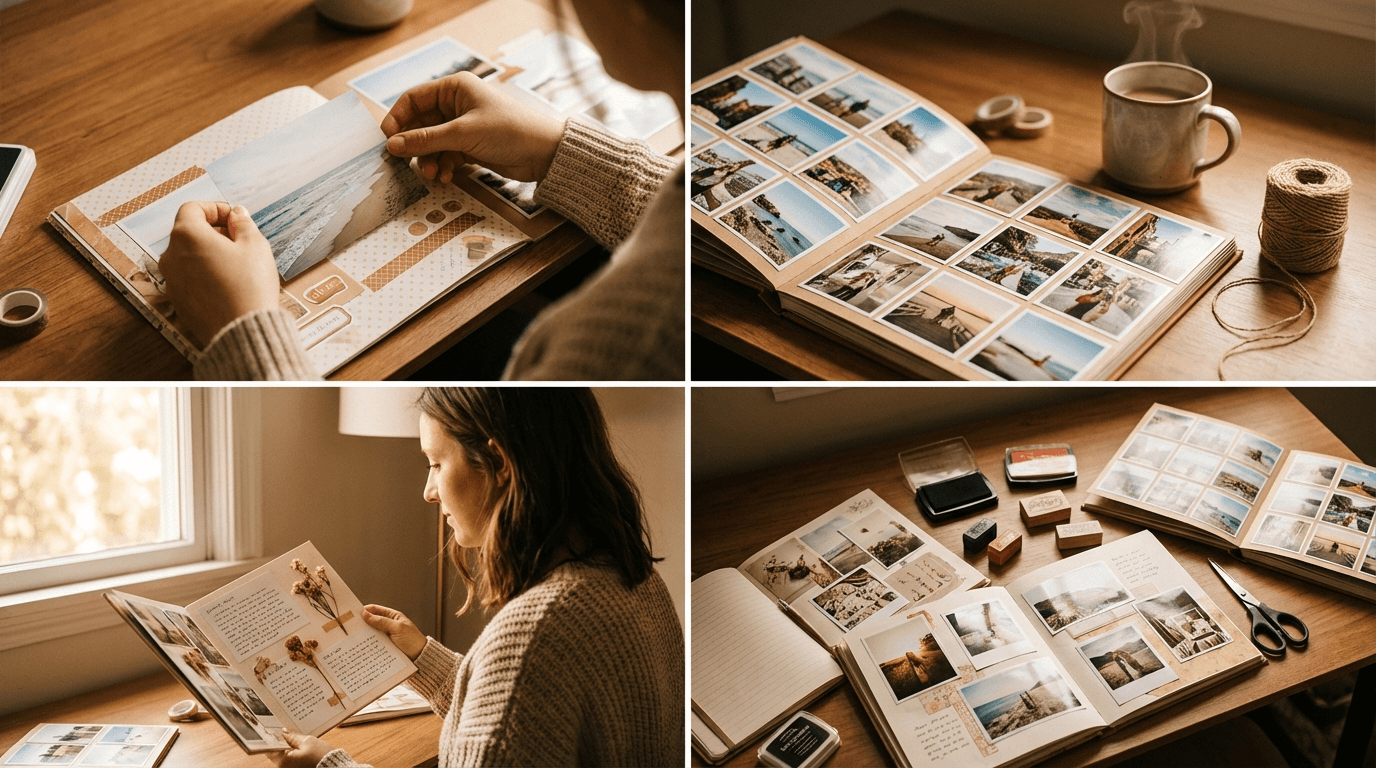
You've got the photos. You've got MyScrapbook Studio open. And then… you stare at a blank canvas wondering where on earth to start.
We've all been there. That blank page paralysis is real — but it doesn't have to stop you. The truth is, you don't need to reinvent the wheel every time you sit down to scrapbook. Sometimes all it takes is a fresh idea to get the creative juices flowing.
Here are 10 layout ideas that work beautifully for all kinds of photos and stories. Pick one, open a template, and let's get going.
1. The Feature Photo Focus
Got one hero photo that says it all? Give it the spotlight it deserves.
Dedicate 60–70% of your canvas to a single large image, then use the remaining space for a title, a short journaling block, and two or three smaller accent photos. This layout works brilliantly for milestone moments — first days of school, birthdays, graduations — where one frame really captures the essence of the day.
In MSS: Drag your hero photo into a large frame, then use the template grid to add smaller accent spots around the edges. Adjust the frame borders to keep it clean.
2. The Story Strip
This one is perfect for sequences — think a day at the beach, a baking session with the kids, or a road trip highlight reel.
Line up four to six photos horizontally or vertically in equal-sized frames. Add a bold title at the top and a short journaling line underneath each photo. It tells the story as a mini-film strip, which feels both modern and nostalgic at the same time.
In MSS: Use the strip layout template and drag-and-drop your photos in sequence. The equal spacing keeps things tidy without you having to measure a thing.
3. The Grid Collage
When you can't choose, use them all. The grid collage lets you tell a richer story by fitting more moments into one page.
Go for a 3×3 or 4×4 grid with consistent spacing between each photo. Keep the backgrounds neutral — white, cream, or a soft pastel — so the photos do the talking. This layout is a favourite for birthday parties, holidays, and family reunions where there are dozens of great shots.
In MSS: The grid template makes this a two-minute job. Click, drag, done. You can also mix portrait and landscape orientations using the flexible grid option.
4. The Layered Paper Look
This is the digital take on traditional scrapbooking — the kind where you'd stack patterned papers, tear edges, and layer embellishments.
Start with a solid background colour, then add a patterned paper layer at an angle using the rotate tool. Layer your photos on top with a slight shadow effect. Tuck in a few stickers, washi tape elements, or small icons to give it that handcrafted feel without the mess.
In MSS: Browse the backgrounds library for a patterned paper that matches your photos' mood. Add stickers from the embellishments panel to finish the look. The drag-and-drop layering makes it intuitive to build up depth.
5. The Timeline Layout
Perfect for anniversaries, yearly round-ups, or documenting a child's growth over months.
Create a horizontal or vertical timeline by placing photos in chronological order with date labels or short captions beneath each one. It's structured, easy to follow, and creates an instant sense of narrative.
In MSS: Use the text tool to add date labels in a consistent small font. Keep the layout clean with equal spacing and a single background colour that ties everything together.
6. The Mood Board
Not every scrapbook page needs a specific event. Sometimes you want to capture a feeling — cozy winter mornings, summer adventures, a favourite season.
Pull together photos that share a colour palette or mood rather than a single event. Mix in a word or short phrase as a centrepiece, surrounded by photos, textures, and small details. Think of it as a visual journal entry.
In MSS: Start by selecting a template that matches the energy — something loose and organic for a mood board feels right. Use the text tools to add a standout word or quote, and experiment with different background textures to set the tone.
7. The Title-Forward Layout
Sometimes the words matter as much as the photos. In a title-forward layout, you lead with a bold, expressive title that takes up a full third of the page.
Choose a font that has personality — a hand-lettered style for something personal and warm, a bold sans-serif for something modern and graphic. Let the title breathe, then anchor the bottom with two or three well-chosen photos.
In MSS: The text tools let you adjust size, weight, letter spacing, and colour independently. Try pairing a large display font for the title with a smaller, simpler font for the caption below. The contrast makes both elements pop.
8. The Travel Pocket Page
This one's a classic for holidays and adventures. Divide your page into "pocket" sections — some holding photos, others holding small journaling cards, ticket stubs, maps, or handwritten notes.
It has a collected, keepsake quality to it. Like you've gathered all the best bits of the trip and arranged them just so.
In MSS: Use the multi-frame template to create pocket sections. Add text blocks styled as journaling cards — try a soft background colour with a thin border to make them look like actual cards tucked into sleeves.
9. The Black and White Contrast Layout
Sometimes colour can actually distract from what makes a photo great. Converting photos to black and white — or mixing one colour photo with several black and white images — creates a sophisticated, timeless look.
This works especially well for candid, emotional, or portrait-style photos where the expression is the centrepiece.
In MSS: Apply a black and white filter to selected photos directly in the editor. Pair them with a classic cream or charcoal background and a clean, minimal title for maximum impact.
10. The Seasonal Spread
Lean into the season you're scrapbooking. A Christmas layout should feel warm and festive. A summer beach page should feel bright and breezy. A winter walk should feel crisp and calm.
Use backgrounds, stickers, and colours that match the season's mood. This sounds obvious, but it's amazing how much more cohesive a page feels when every element — font, colour, background, embellishments — is singing the same seasonal tune.
In MSS: Browse the seasonal sticker sets and background collections to find elements that fit the mood. The themed templates give you a head start with a coordinated colour palette already built in.
New to layouts? Start here first
If you want a simpler, step-by-step version before trying advanced combinations, start with Scrapbook Page Layout Ideas for Beginners. It includes 12 easy layout structures and a free downloadable planning pack.
Your Turn
You don't need a completely original idea every single time. Great layouts come from combining familiar structures with your personal photos and story. Start with a template that catches your eye, swap in your photos, and let the design guide you.
Pick one of these ideas today and give it a go. MyScrapbook Studio's drag-and-drop editor makes it easy to experiment — if something isn't working, you can shift elements around in seconds until it clicks.
What kind of photos are you working with right now? There's a perfect layout here for whatever story you're trying to tell.