How to Finally Organize Your Digital Photos for Scrapbooking
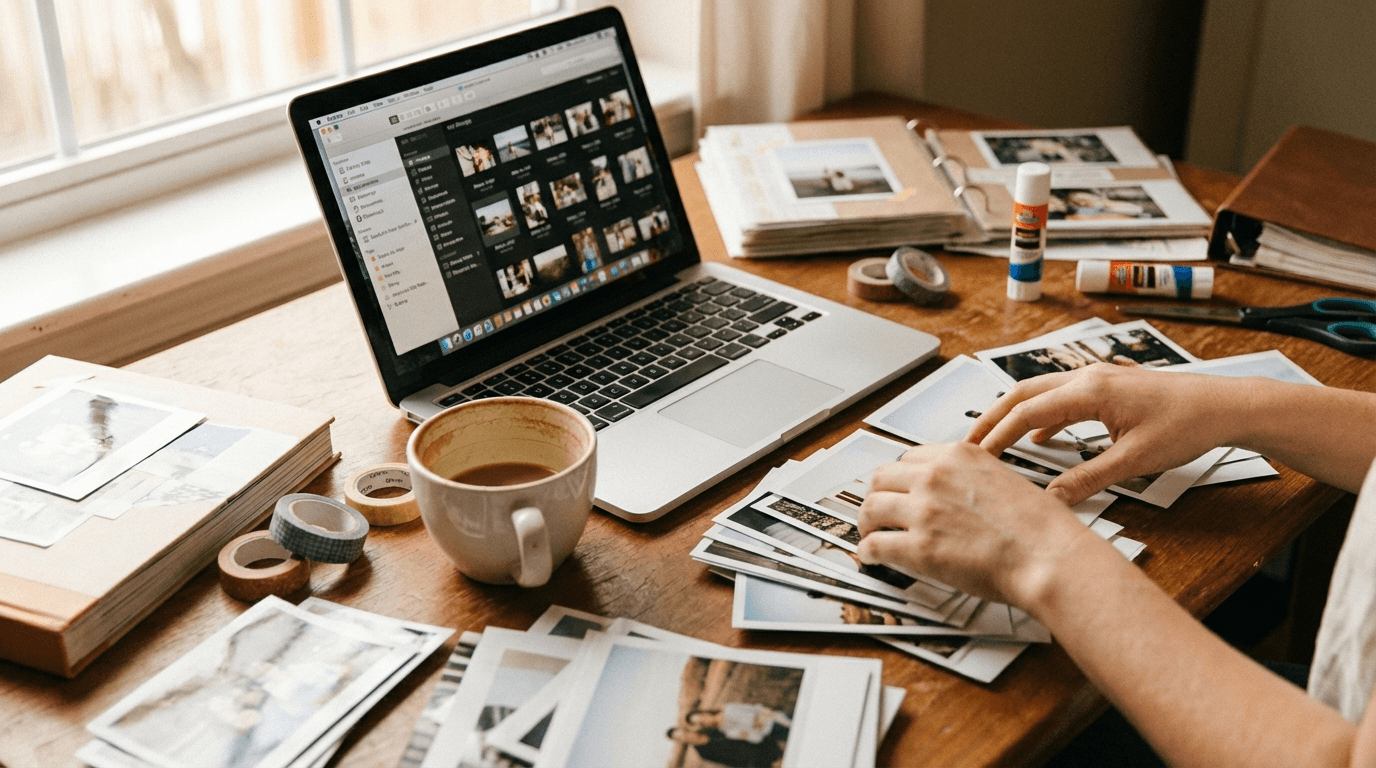
How to Finally Organize Your Digital Photos for Scrapbooking
If you're anything like me, you've got thousands of photos spread across your phone, your laptop, a random USB drive from 2019, and that cloud account you set up but never really sorted out. You know there are great memories in there — birthday parties, first days of school, that road trip where the kids actually got along for six hours straight. But every time you sit down to scrapbook, you spend more time hunting for photos than actually creating pages.
Let's fix that. Not with some massive, overwhelming system overhaul — just a handful of practical steps you can start using today.
Step 1: Pick One Home for Everything
The single biggest thing you can do is choose one place where all your photos live. It doesn't matter if it's Google Photos, iCloud, Dropbox, or a folder on your hard drive. What matters is that it's one place.
Right now, your photos are probably scattered because every device saves to a different spot. Your phone backs up to one cloud, your camera downloads to a folder, and screenshots end up... somewhere. The fix is simple: pick one central location and start moving everything there.
You don't have to do this all in one sitting. Spend 15 minutes a day dragging files over. Put on a podcast and chip away at it. Within a week or two, you'll have everything in one spot — and that alone makes scrapbooking ten times easier.
Step 2: Use a Folder System That Actually Makes Sense
Here's where most people overcomplicate things. They create folders by date, then by event, then by person, and end up with a structure so nested they can't find anything.
Keep it dead simple. I recommend organizing by year, then by month or event:
Photos/ 2024/ 01-January/ 02-February/ Summer-Vacation/ Liam-Birthday/ 2025/ 01-January/ ...
The key is consistency. If you do year-then-month, stick with it. If you prefer year-then-event, that works too. Just pick one approach and commit.
For photos that don't fit neatly into a month — like a vacation that spans July and August — create a named folder at the year level. Don't stress about it being "wrong." The goal is finding photos when you need them, not building a library science degree.
Step 3: Delete Before You Organize
This one feels counterintuitive when you're trying to preserve memories, but hear me out: you do not need 47 photos of the same sunset.
Before you start sorting, do a quick pass and delete the obvious junk:
- Blurry shots - Accidental pocket photos - Screenshots of things you've already dealt with - Duplicates (most photo apps have a duplicate finder built in) - That weird series of photos where you were trying to get the angle right and took 12 nearly identical shots — keep the best two, delete the rest
This isn't about being ruthless with your memories. It's about making the good photos easier to find. When you sit down to scrapbook a birthday party and there are 30 solid photos instead of 200 mediocre ones, choosing layouts becomes so much more enjoyable.
Step 4: Tag Your Favorites as You Go
Most photo apps let you favorite or star photos. Use this feature. A lot.
Whenever you take photos — at an event, on a regular Tuesday, during holidays — spend two minutes that evening starring your favorites. Not all the good ones. Just the ones that make you feel something or tell a story.
When it's time to scrapbook, you won't need to scroll through hundreds of images. Just filter by favorites and your best shots are right there, ready to go.
If your photo app supports tags or albums, you can take this a step further. Create albums like "Scrapbook — Ready" or "Family Portraits" that you pull from when you're working on layouts. On [myscrapbookstudio.com](https://myscrapbookstudio.com), you can drag photos straight into your workspace, so having a curated set ready to go means you spend your time designing, not searching.
Step 5: Deal With Your Phone's Camera Roll
Your phone's camera roll is probably the biggest source of chaos. It's where photos, screenshots, downloaded memes, and work documents all end up in one giant stream.
Set a weekly habit — maybe Sunday morning with coffee — where you spend 10 minutes triaging your camera roll:
1. Delete anything you clearly don't need 2. Move good photos to your main photo library 3. Star the ones worth scrapbooking
Ten minutes a week. That's it. This one small habit prevents the camera roll from becoming an unmanageable mess and keeps your scrapbooking pipeline stocked with fresh material.
Step 6: Don't Forget the Older Stuff
Somewhere in your house there's probably a box of printed photos, or an old laptop, or a CD your aunt burned in 2008 with family reunion pictures on it. Those memories matter too.
You don't need to tackle this all at once. Set a small goal: one envelope of old prints scanned per week, or one old device backed up per month. Apps like Google PhotoScan make scanning printed photos with your phone surprisingly painless.
Once those older photos are digital, they go into the same folder system as everything else. And suddenly you've got material for scrapbook pages that span generations — which, honestly, are some of the most meaningful pages you'll ever make.
The Real Secret: Good Enough Beats Ideal
Look, the reason most of us never get our photos organized isn't that we lack a system. It's that we wait for the energy to do it "right" — and that day never comes.
A simple folder structure that you actually use will always beat an elaborate tagging system you abandon after a week. Fifteen minutes of sorting today is worth more than the three-hour marathon you keep planning but never start.
Get your photos into one place. Delete the obvious junk. Star your favorites. Then open up [myscrapbookstudio.com](https://myscrapbookstudio.com) and start turning those photos into pages. Because the whole point of organizing isn't to have tidy folders — it's to spend less time searching and more time making something your family will actually look at and love.
Your photos are already out there, holding onto moments that matter. They just need a little structure so you can actually use them. Start small, stay consistent, and you'll be amazed how quickly the chaos turns into a library you're excited to scrapbook from.